Turn hungry
searches into
direct orders.
Your food brings people in. Your website, online ordering and loyalty should bring them back. We connect it all, and help you get it running.
Or take a personal walkthrough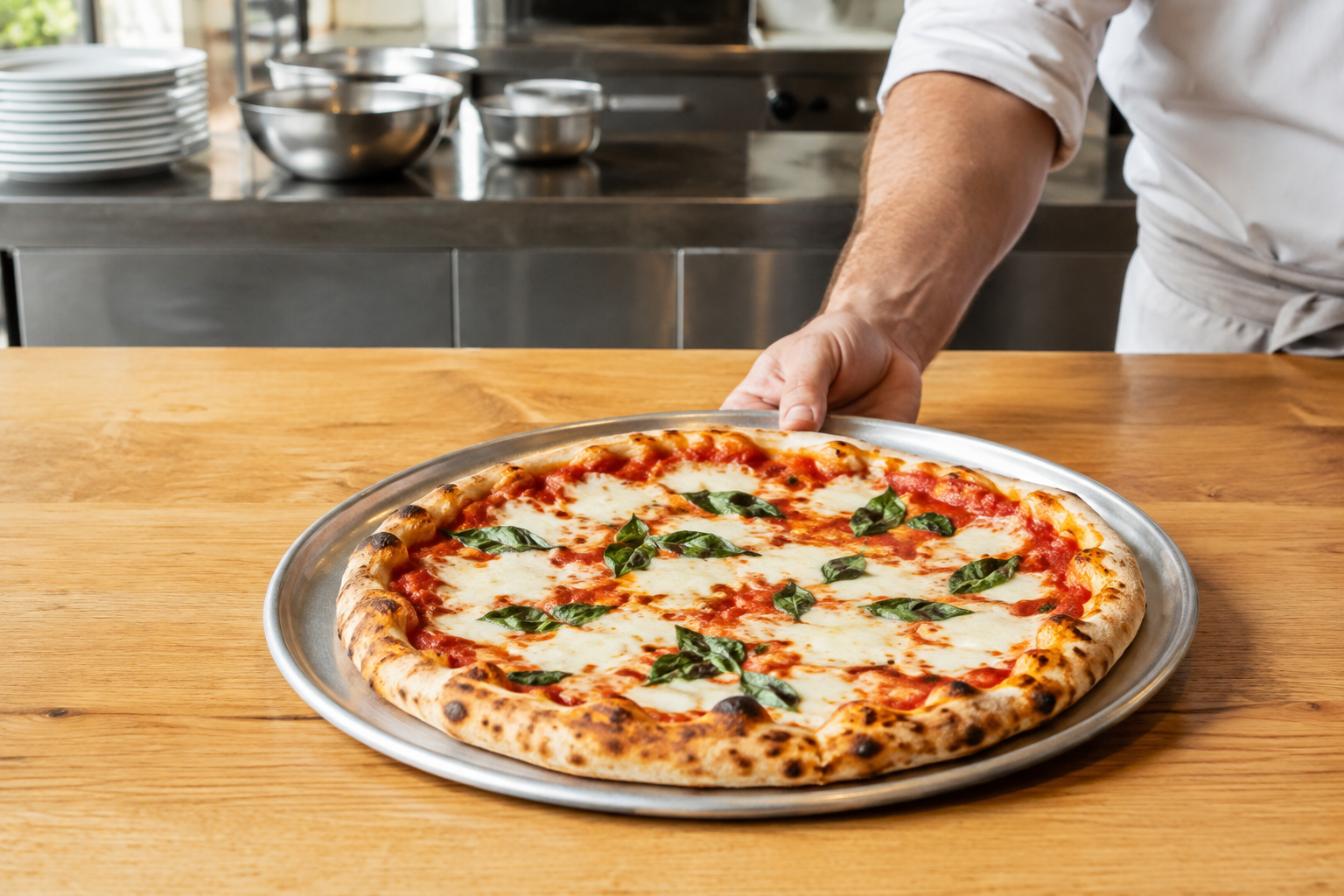
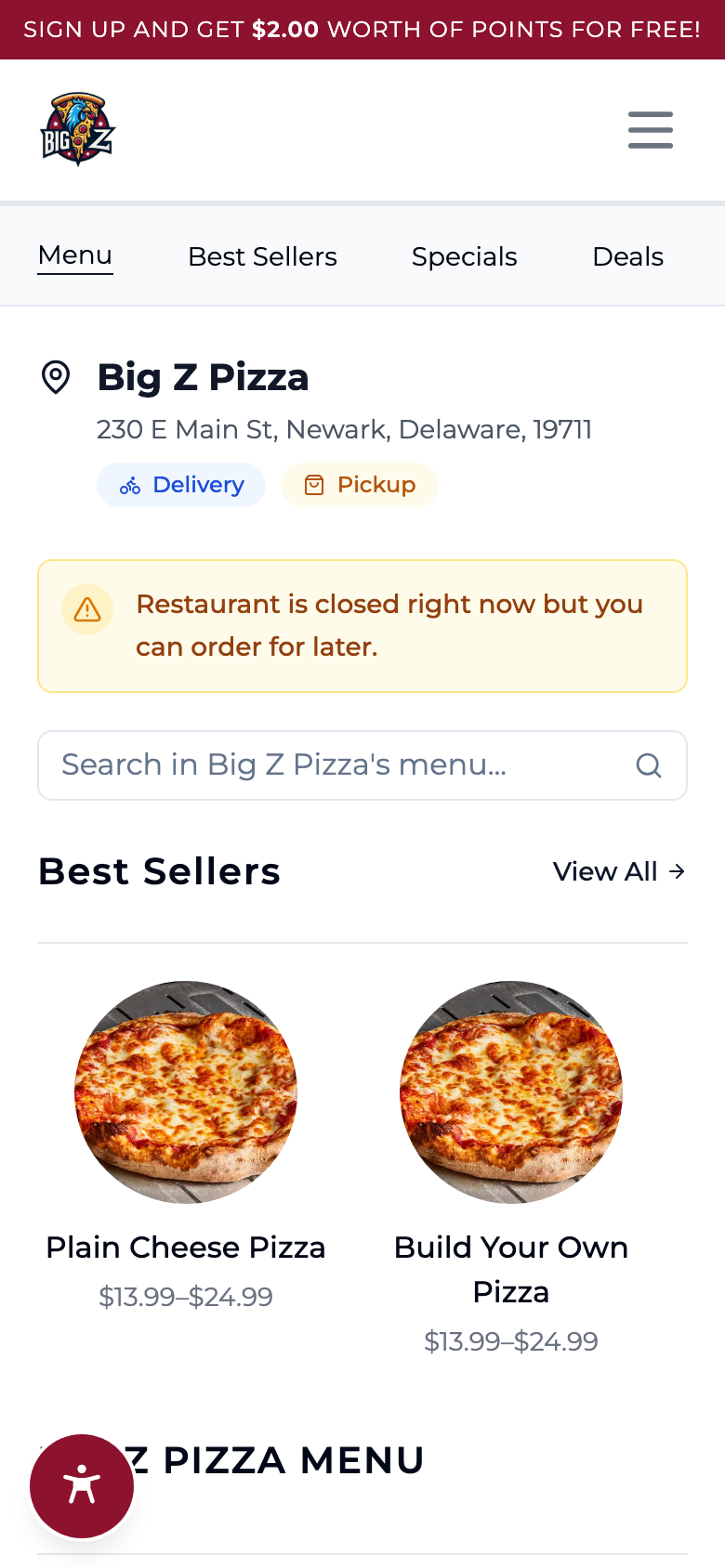

A real ordering experience, powered by Dinevate.
Real people.
Real connections.
Behind every screen, there’s a team that cares about your restaurant. Here we are, meeting the people who make this industry what it is.
Pizza Tomorrow Summit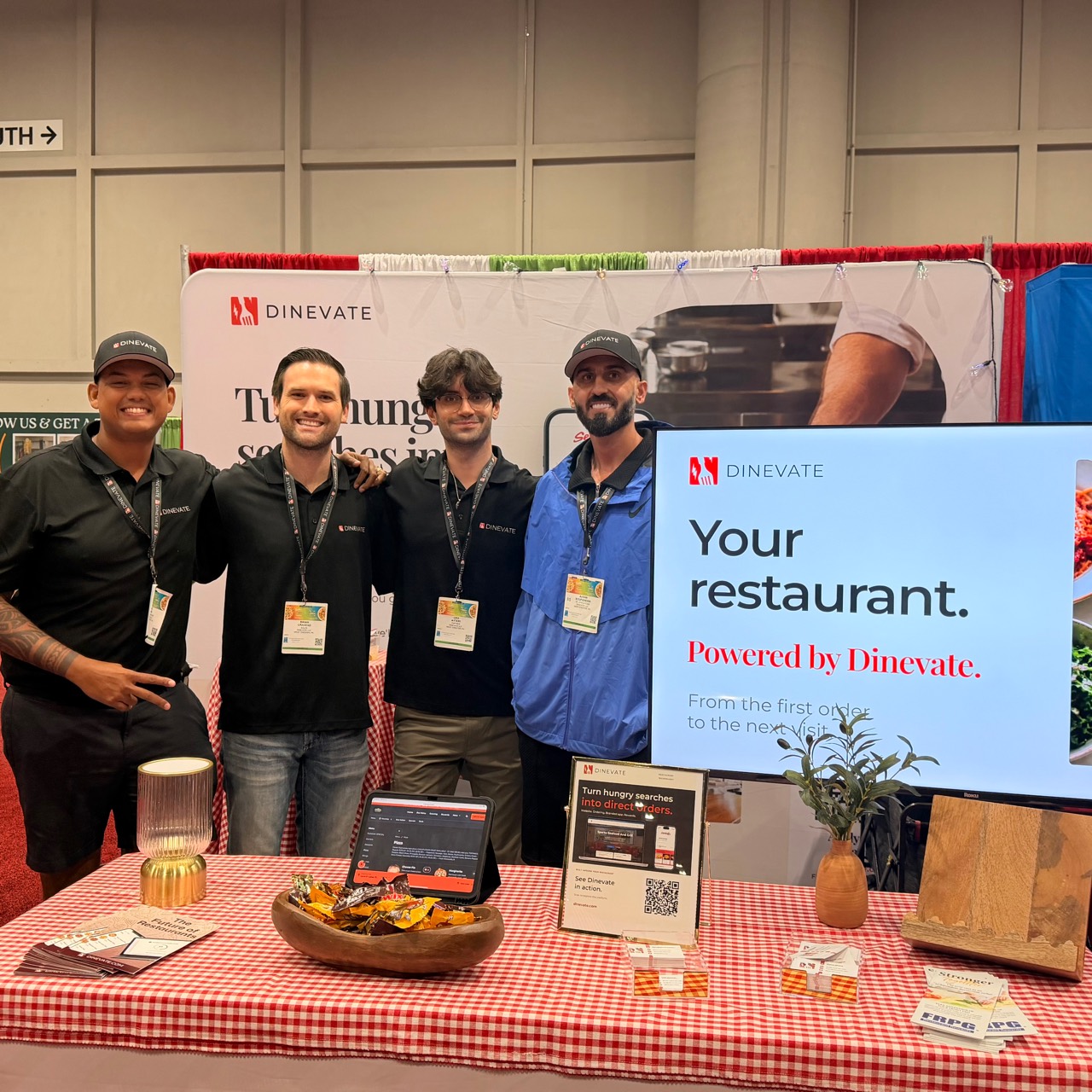
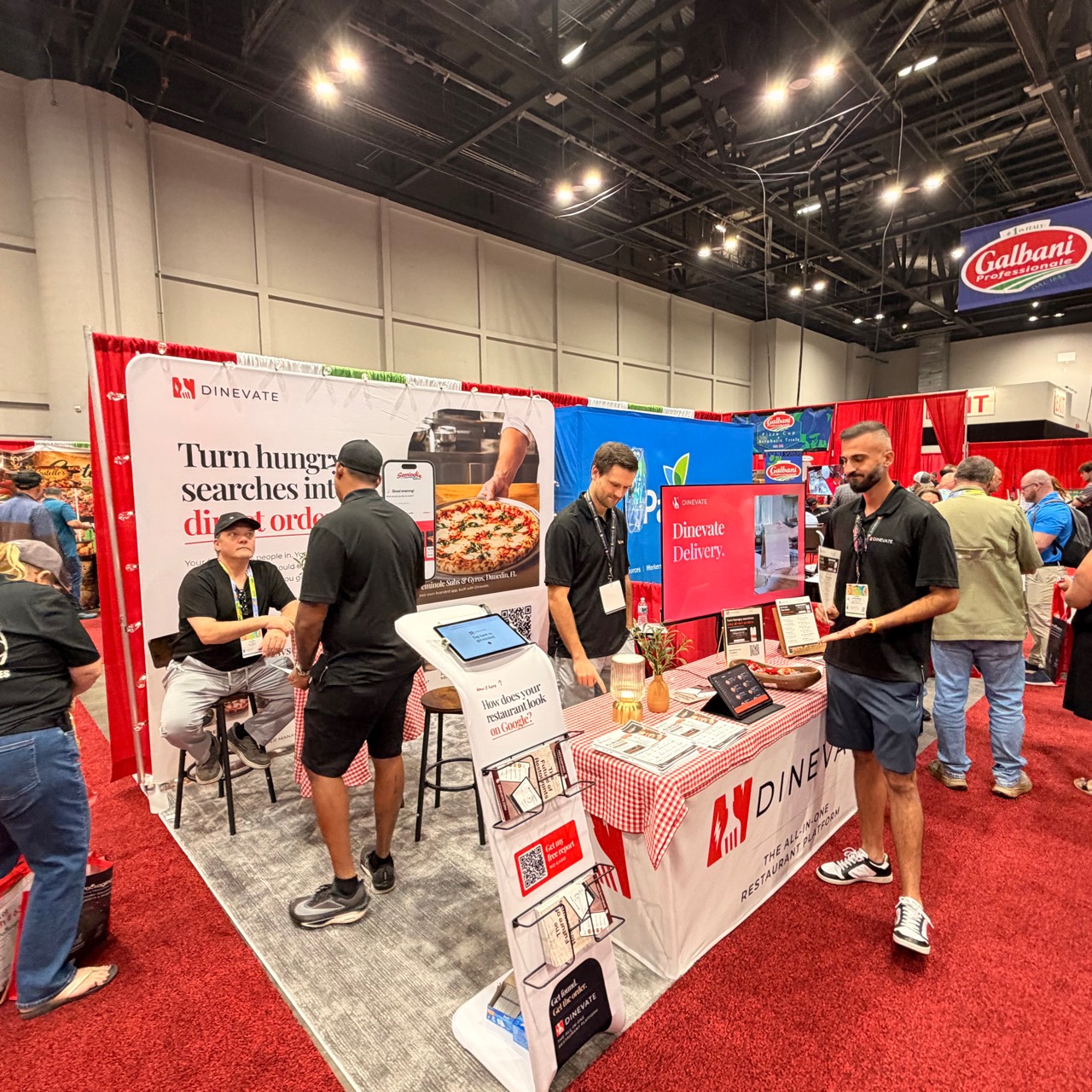
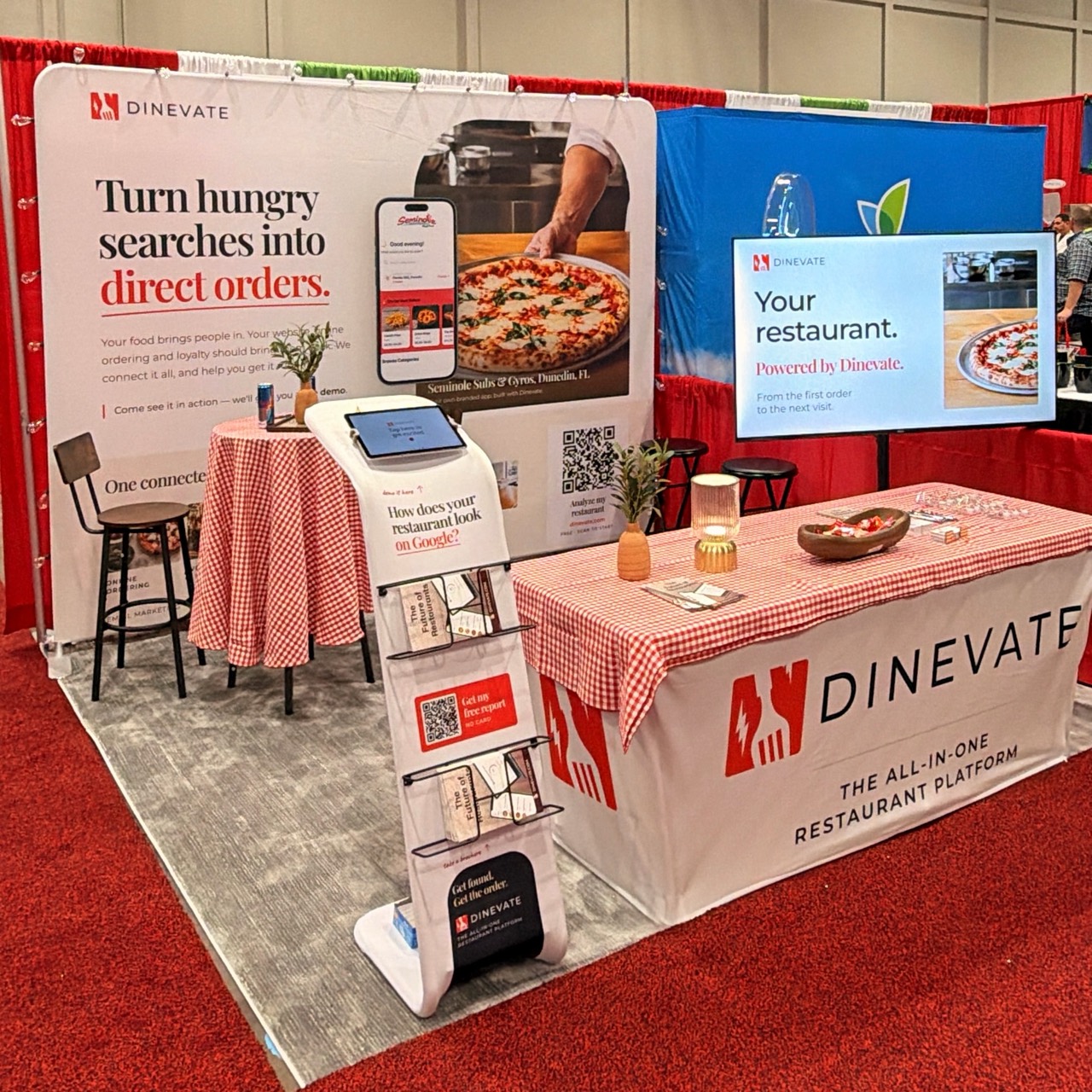
The people behind Dinevate
Their food. Their name.
Their own website.
Real restaurants running on Dinevate. See the same websites on a bigger screen or in your hand.
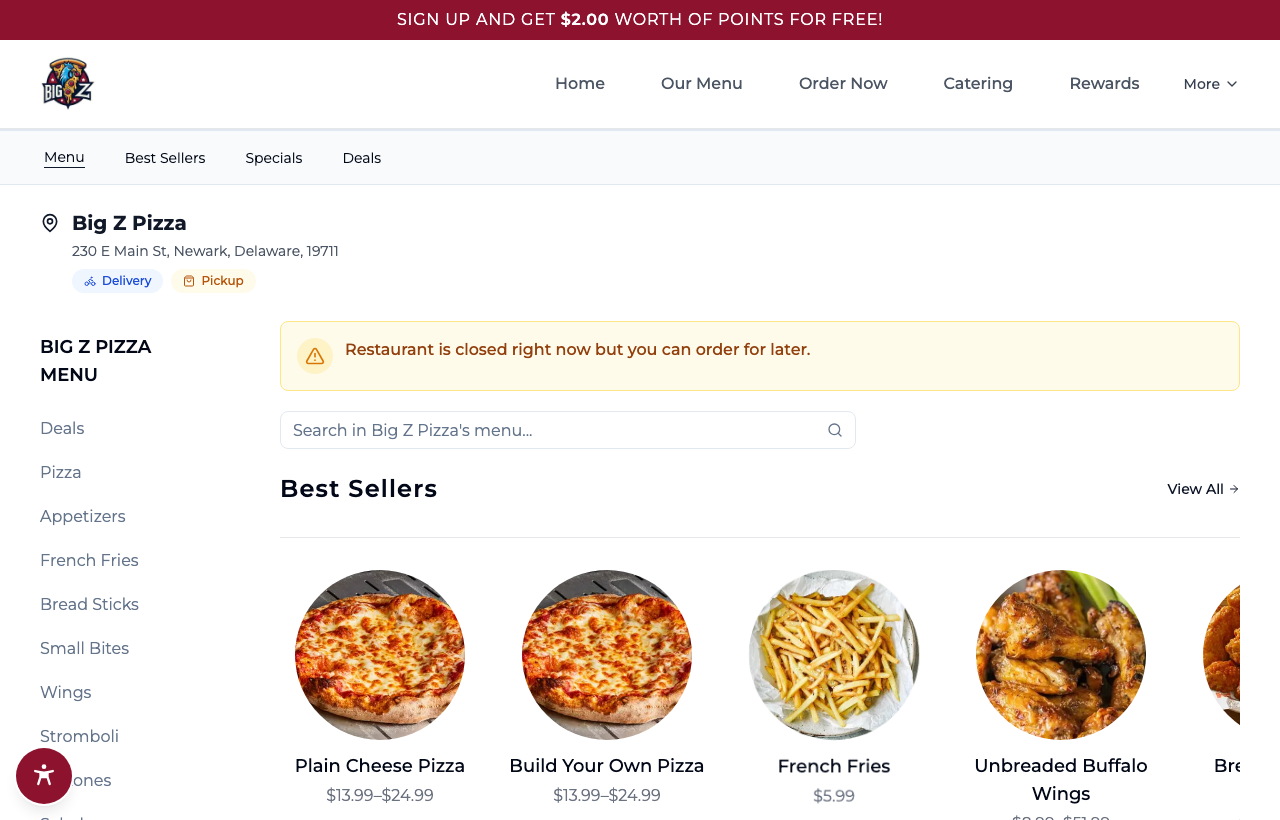

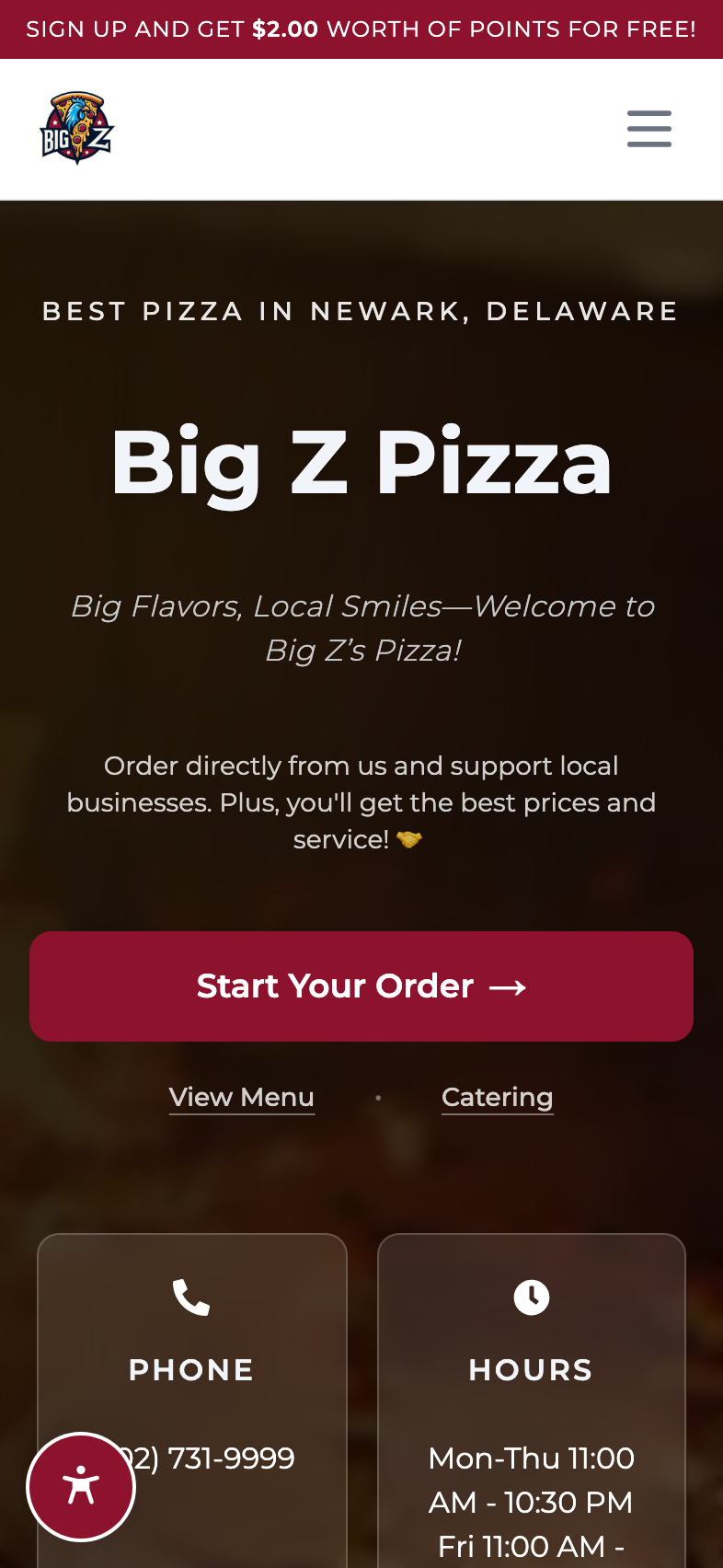


Big Z Pizza
Newark, Delaware
Neighborhood pizzaVisit website ↗
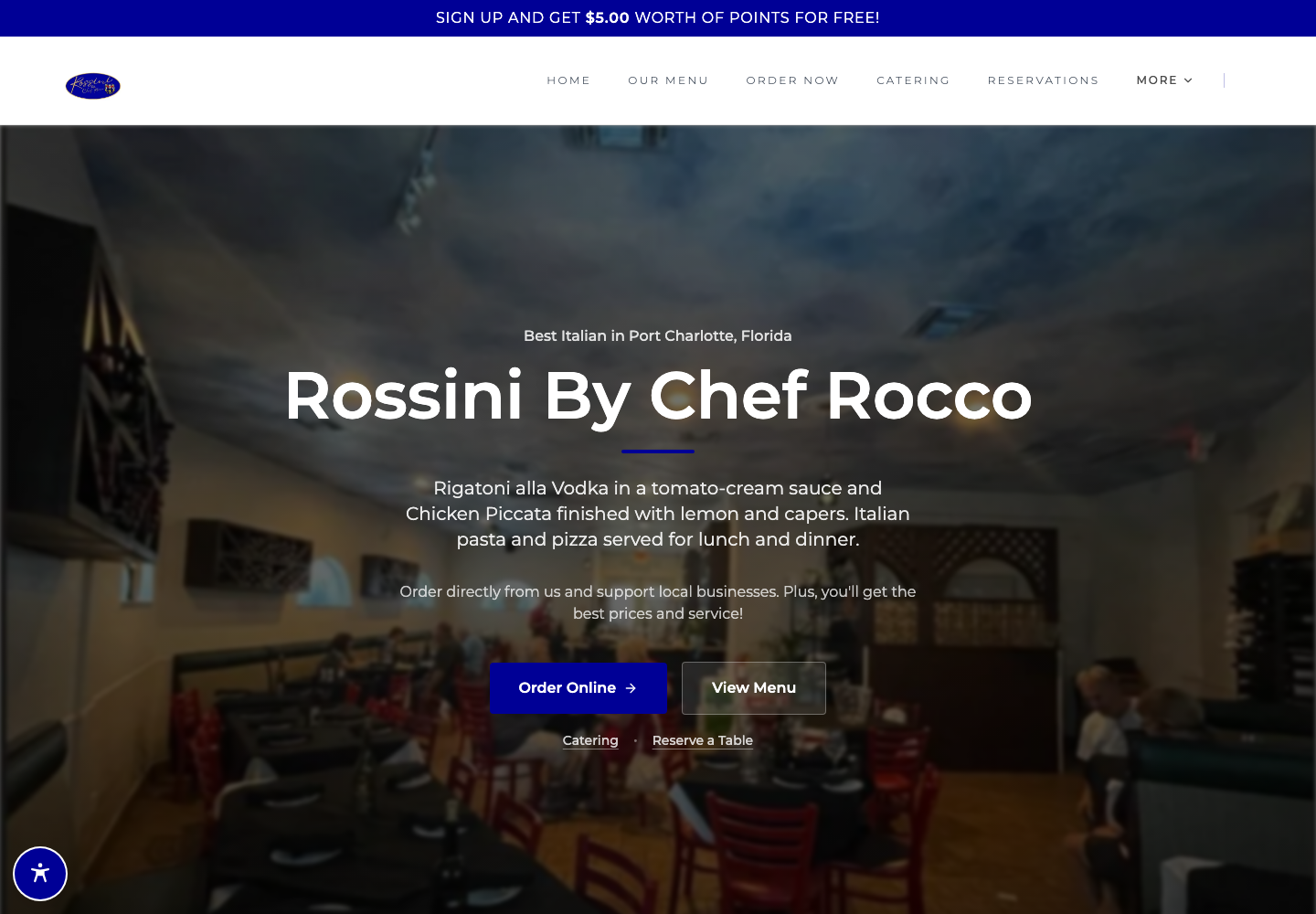
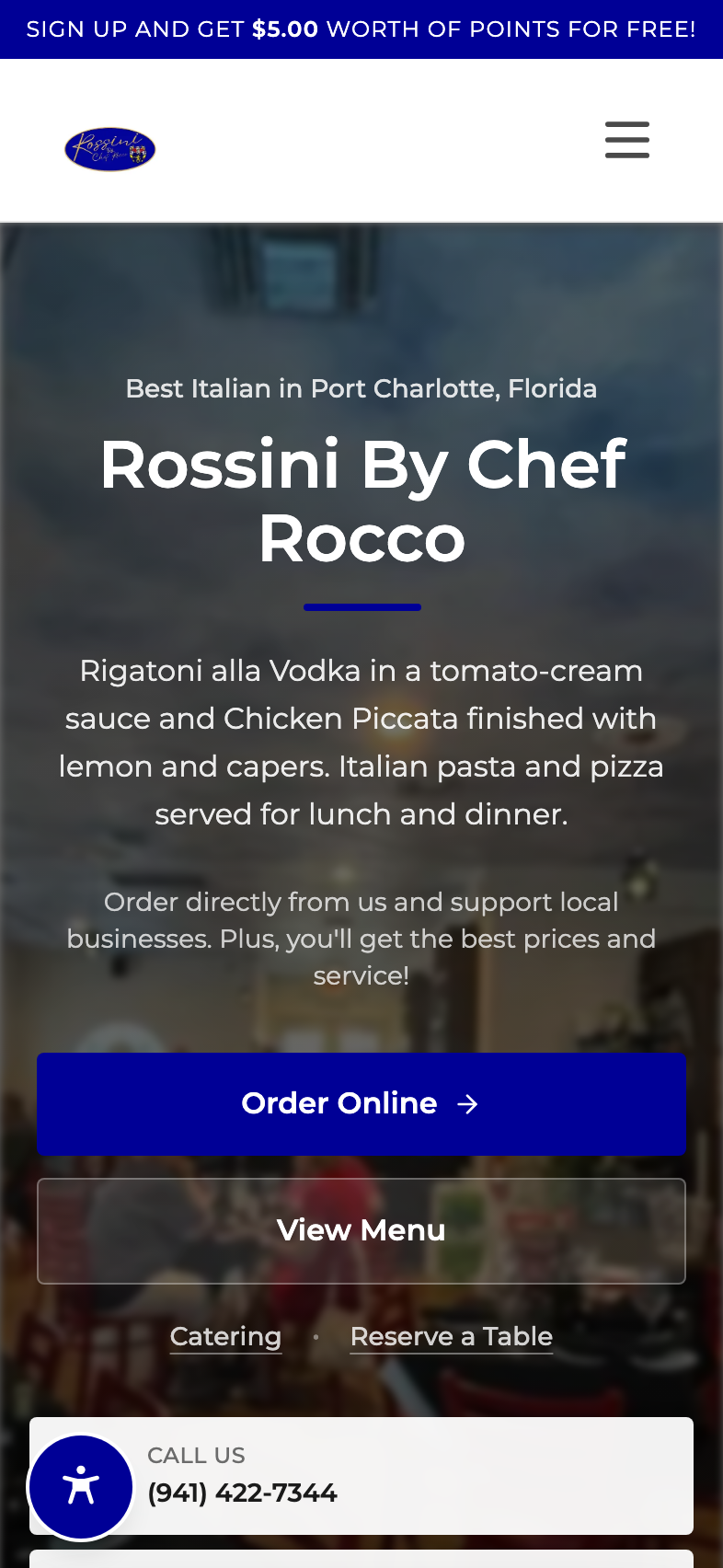
Rossini By Chef Rocco
Port Charlotte, Florida
Italian classicsVisit website ↗
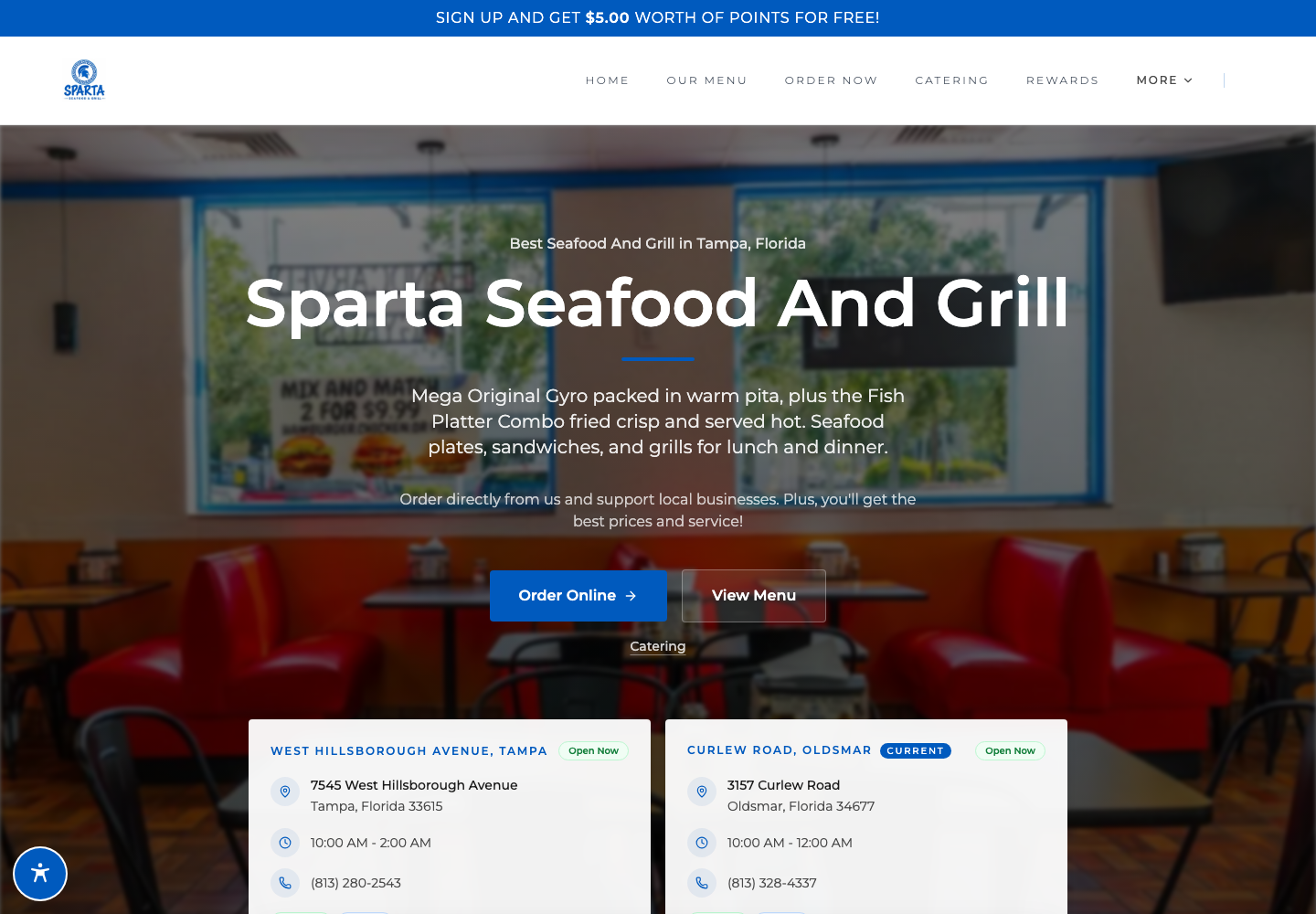
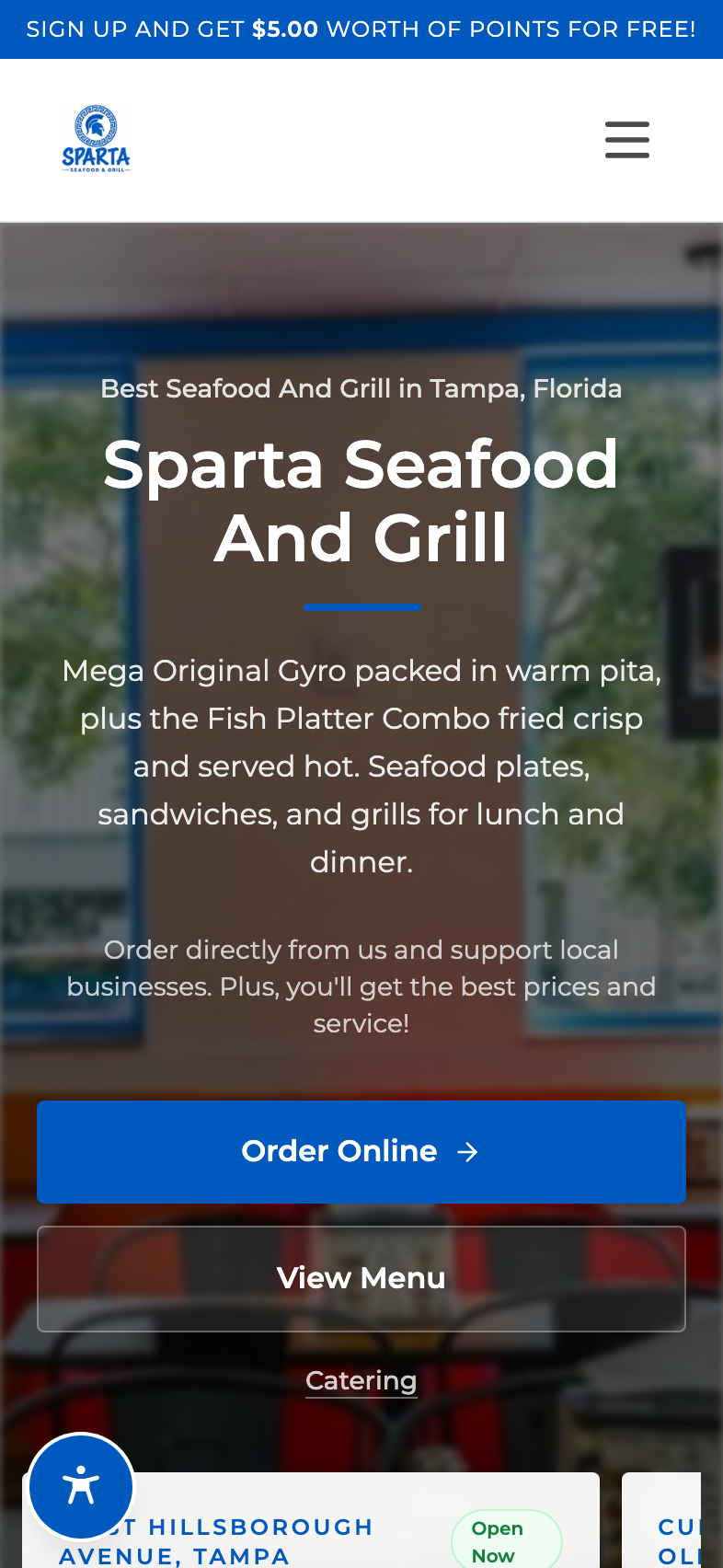
Sparta Seafood And Grill
Oldsmar, Florida
Seafood & grillVisit website ↗
Swipe to explore the restaurants →
From “near me”
to “the usual.”
Get found. Make ordering effortless. Give guests a reason to come back. One connected system, under your name.
A seat at the search table
Your next regular is searching.
A fast restaurant website, useful menu pages and local SEO help hungry guests find you on Google. Give them a direct path to your menu.
Explore restaurant websites
A nearby search.
A direct path to your menu.
Big-brand ease. Your name on it.
Make ordering the easy part.
Custom toppings. The usual sides. Pickup or delivery. A smooth, branded journey from first tap to checkout, built around the way your restaurant serves.
Explore online orderingMore than points on a screen
Give them a reason to return.
Load a balance. Pay in a tap. Come back for the usual. Bring your wallet, rewards and branded app together to make the next visit feel natural.
Explore wallets & rewardsBig-brand ordering.
Your restaurant.
The details guests love in a national chain’s app, built around your own menu. Precise customization, a balance they can load, and rewards that make the next order feel natural.
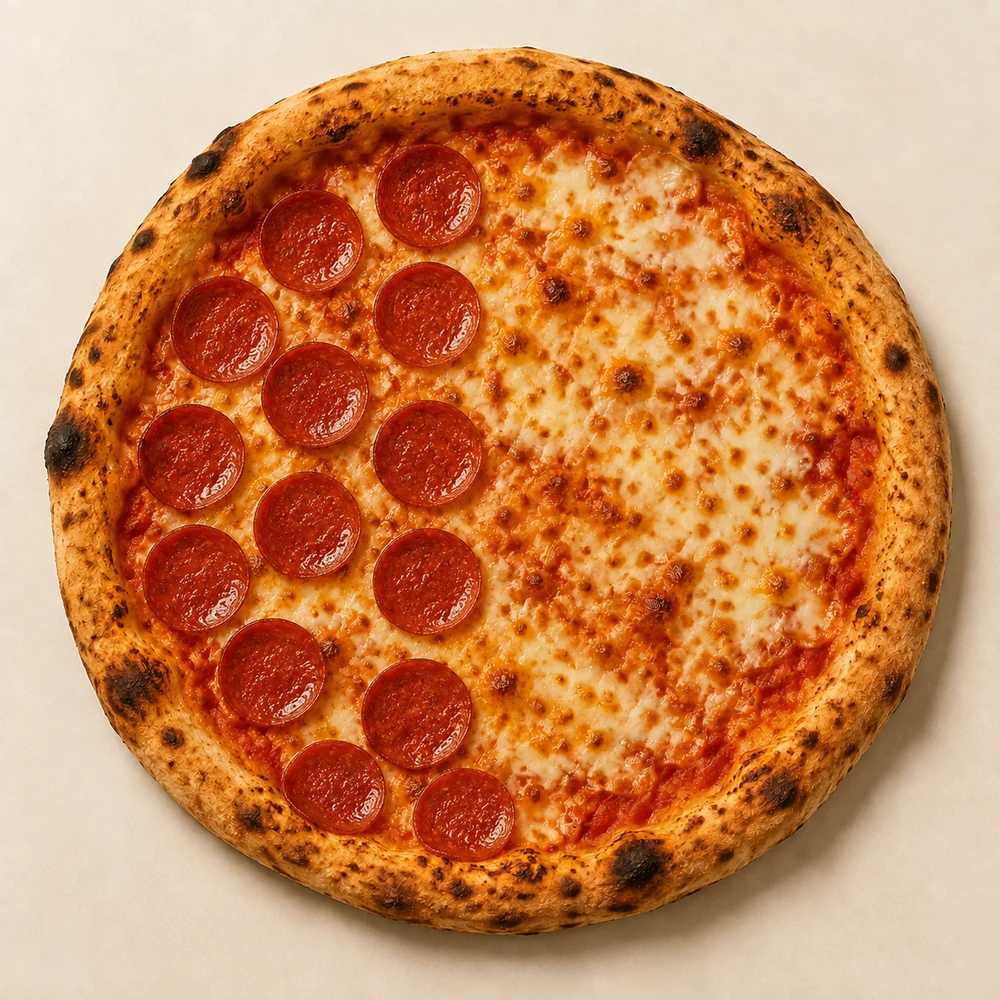
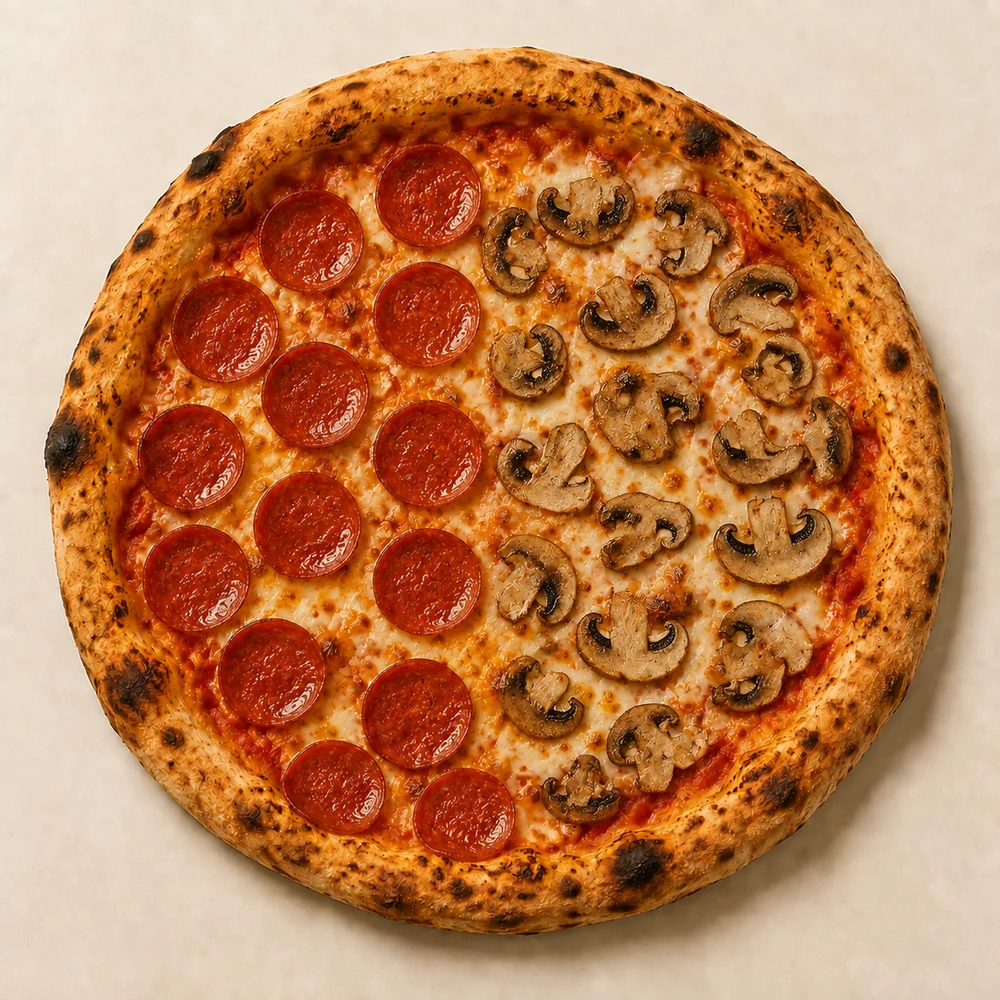
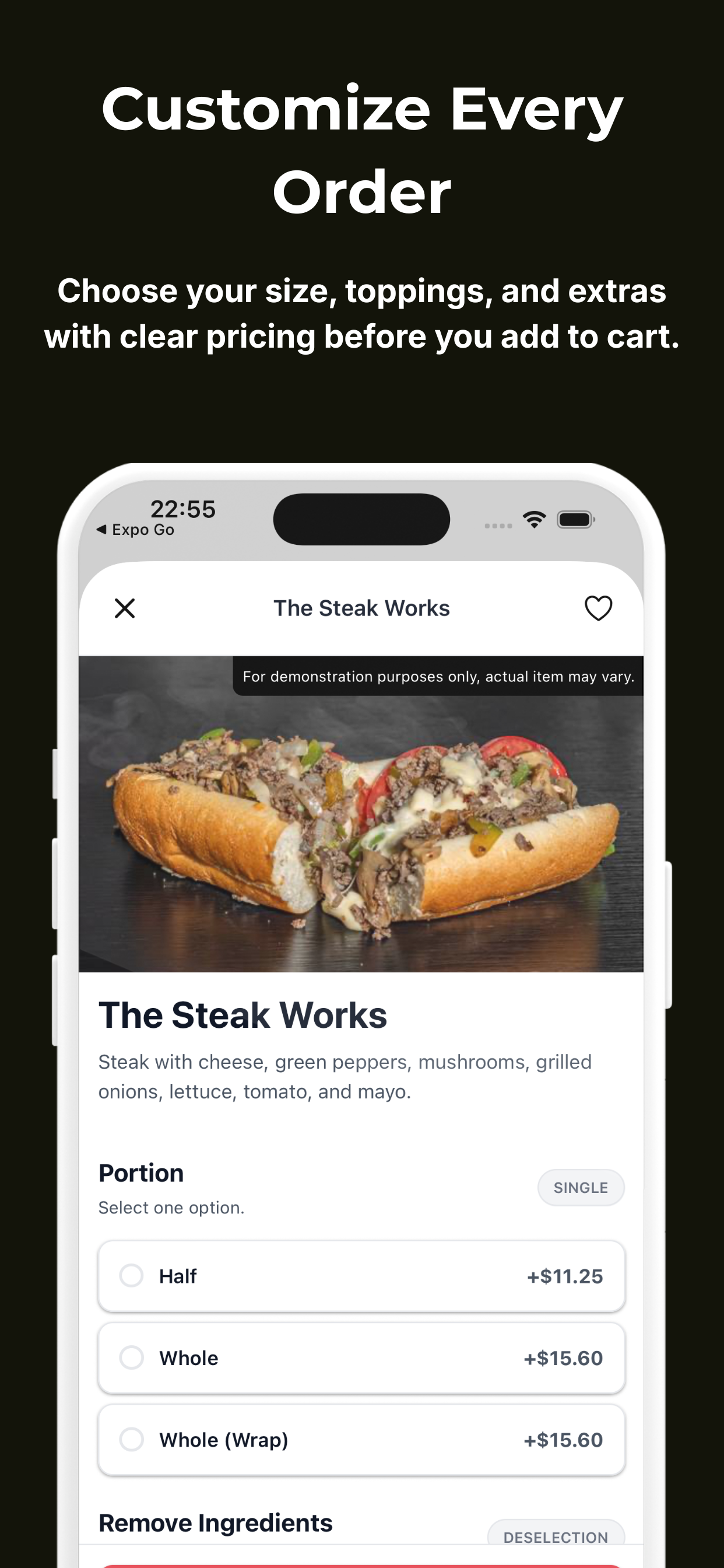
Half pepperoni. Half mushroom. Fully understood.
Size-based prices. Required choices. Extras on just one half. Dinevate handles the details while the guest builds the meal, with the price attached to each choice.
Explore this capabilityLoad it. Use it. Earn a little back.
Give guests their own restaurant balance, with a first-load bonus and cashback you control. They can pay with their wallet or combine it with a card. The next visit already has a starting point.
Explore this capabilityDifferent screens. The same attention to detail.
Website, branded app and enabled Voice orders feed a shared order-processing flow. Menu choices, payment details and customer information travel with the order to the team preparing it.
Explore this capability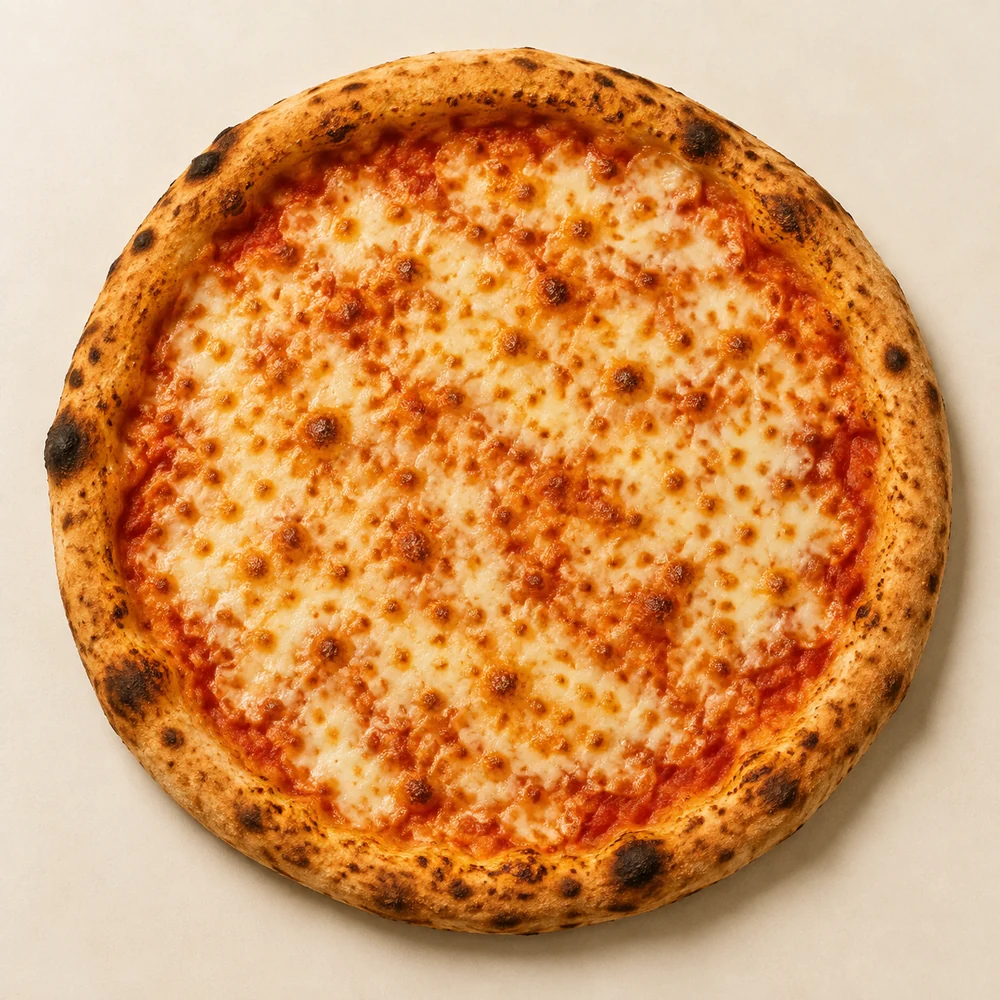
A precise order starts before checkout.
Example menu and wallet offer. Bonus and cashback amounts are set by the restaurant.
Give every regular
a reason to return.
A favorite meal starts the relationship. Your rewards can keep it going, with points, a stamp card and spendable restaurant credit under your name.
- Points with your rules.
- Name the program, set earning and redemption values, add a signup bonus and choose expiration rules.
- A stamp card they can see.
- Choose the stamp goal, a head start with pre-filled stamps, the reward amount and the card’s expiration.
- Credit toward another meal.
- A first-load bonus, wallet cashback and gift cards give guests restaurant credit they can use. Wallet and card can work together at checkout.
Take a closer look
at online ordering.
From the menu to the next visit. Choose a topic to explore.
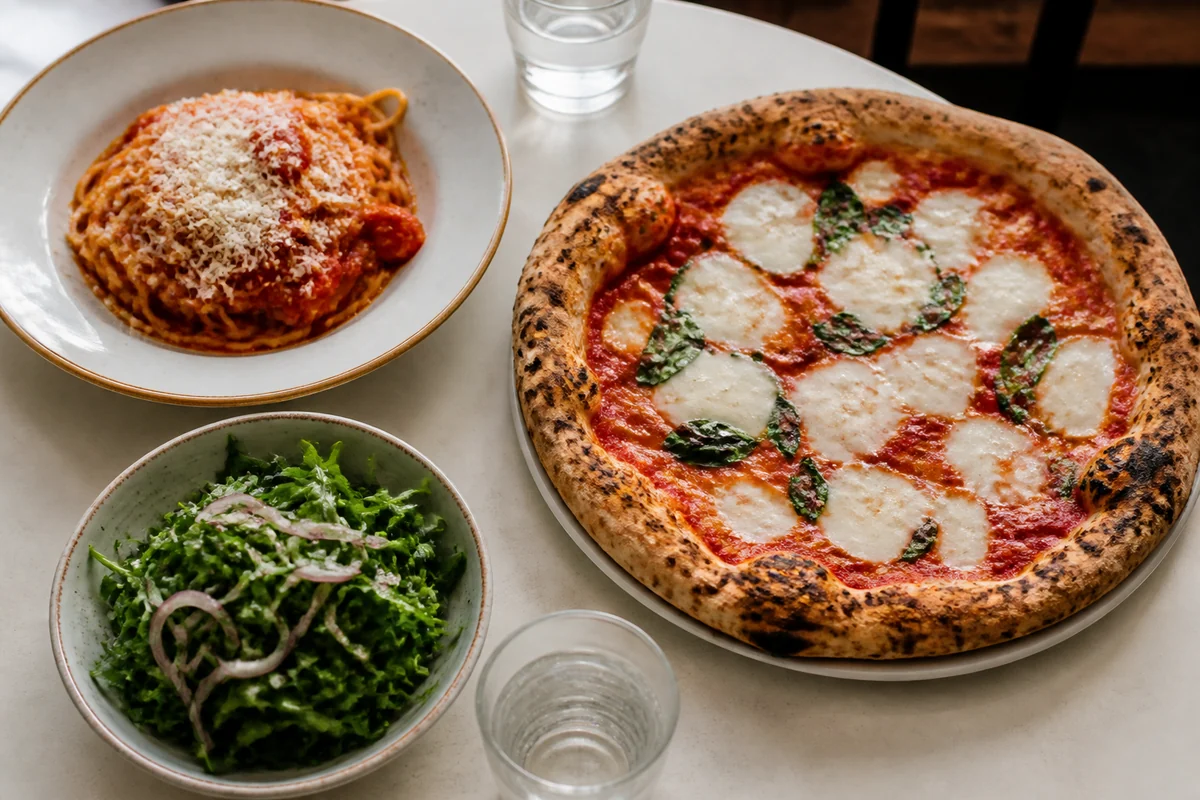
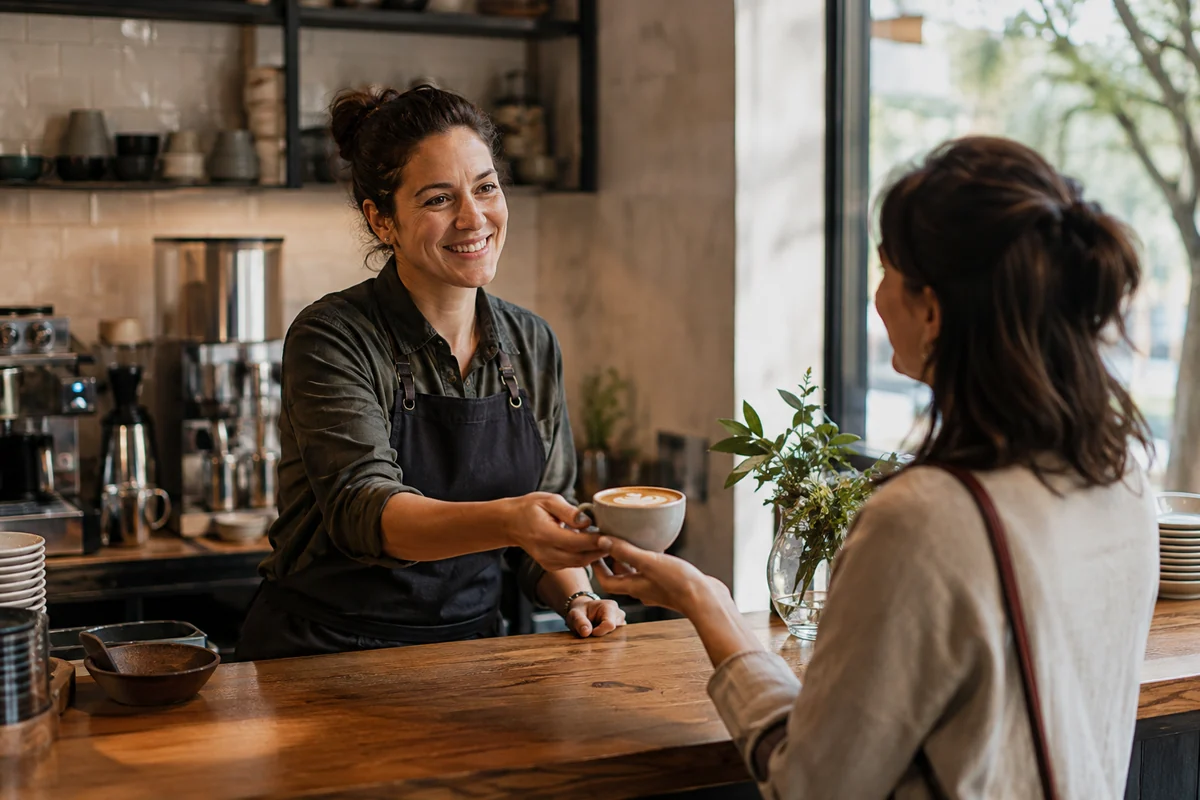
Let guests make it their own.
Build the choices into the menu so a guest can order precisely and your team can see what they chose.
- Size-based prices
- Required choices
- Half-and-half toppings
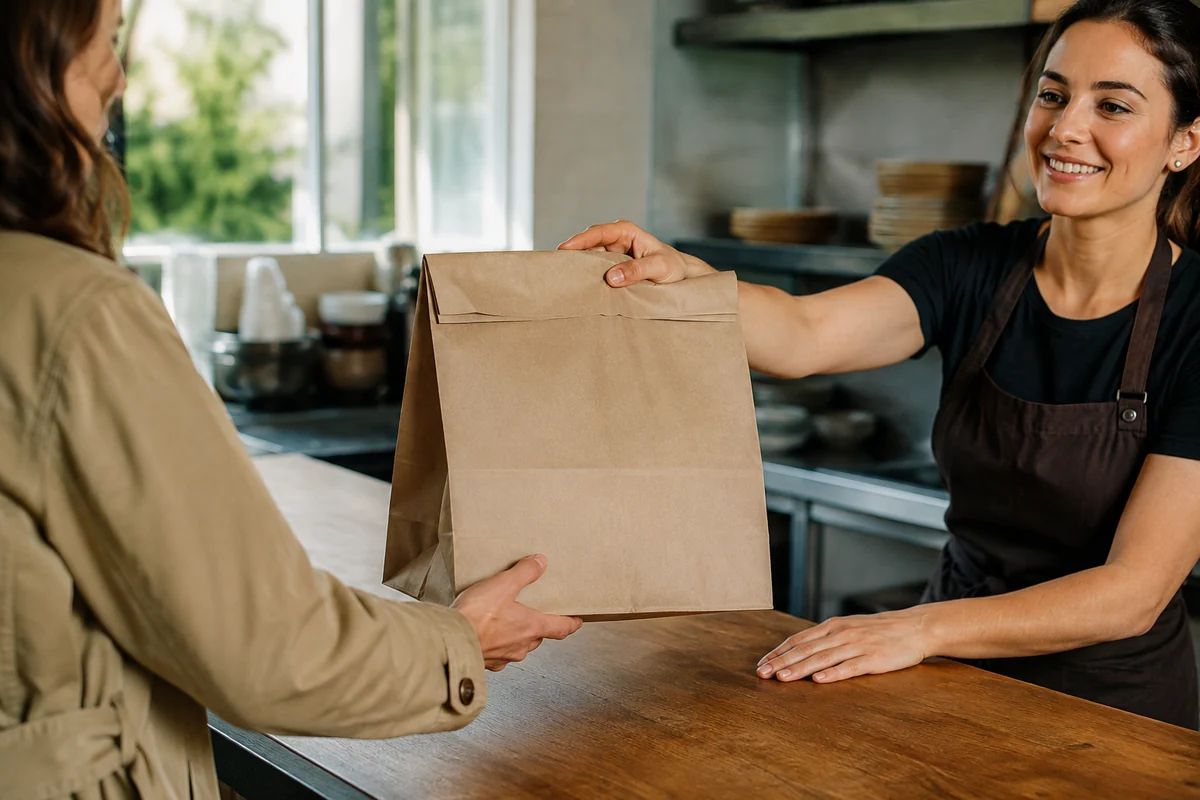
A pickup time you can deliver on.
Set a realistic pickup promise and let guests plan ahead within the hours you actually serve.
- Preparation times
- Pickup hours
- Advance orders
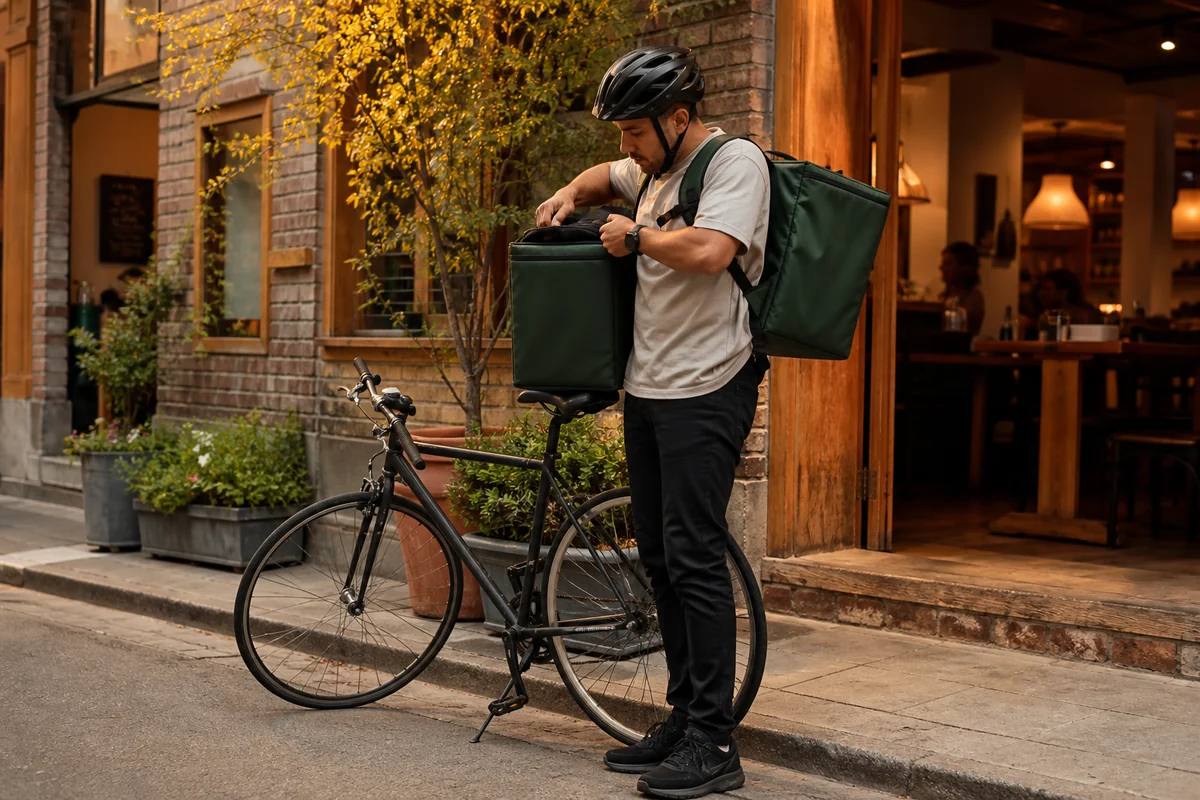
Serve your neighborhood.
Make the delivery area fit your operation, with a fee and a service promise that make sense for each trip.
- Custom delivery zones
- Fees by area
- Driver accounts
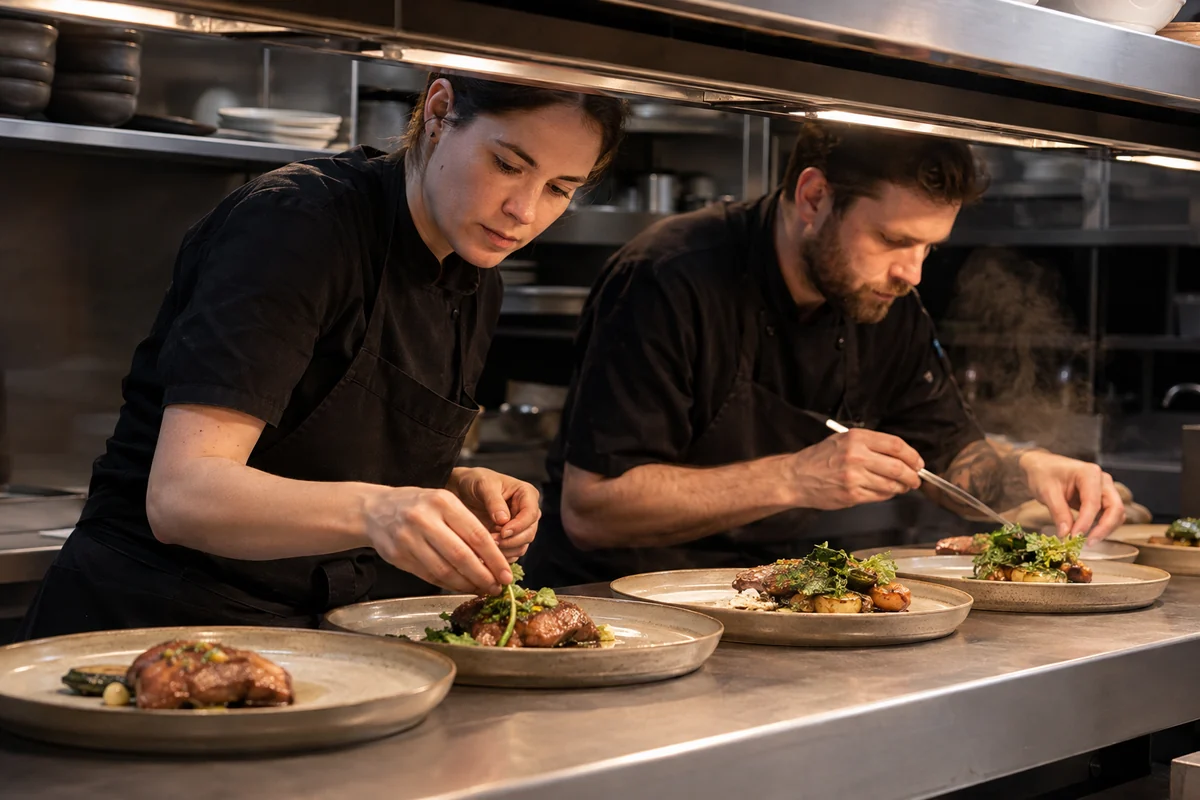
Keep the rush manageable.
Your ordering system should respond when the tickets start coming in faster than the kitchen can work.
- Order thresholds
- Automatic pauses
- Guest messages
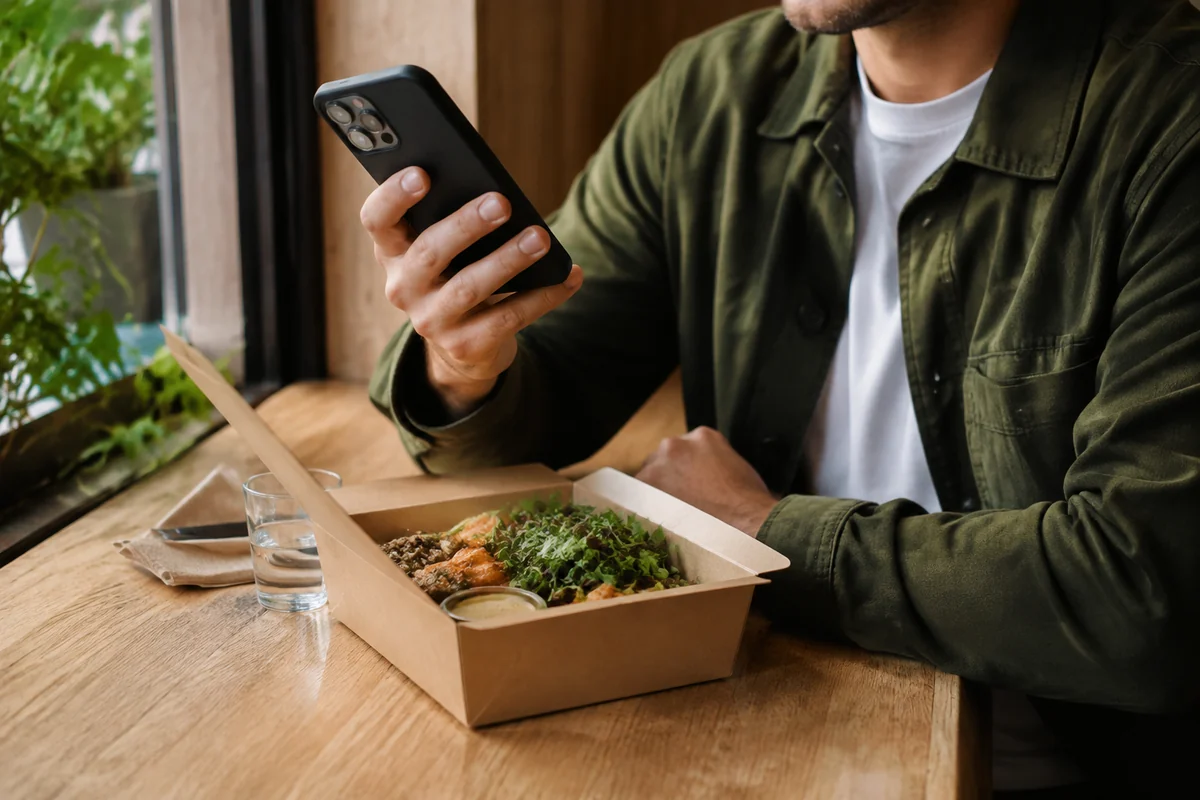
Make the last step an easy one.
Choose how guests sign in, leave a tip and see applicable charges, with your restaurant’s setup guiding the payment options.
- Supported digital payments
- Tip options
- Wallet and card payments
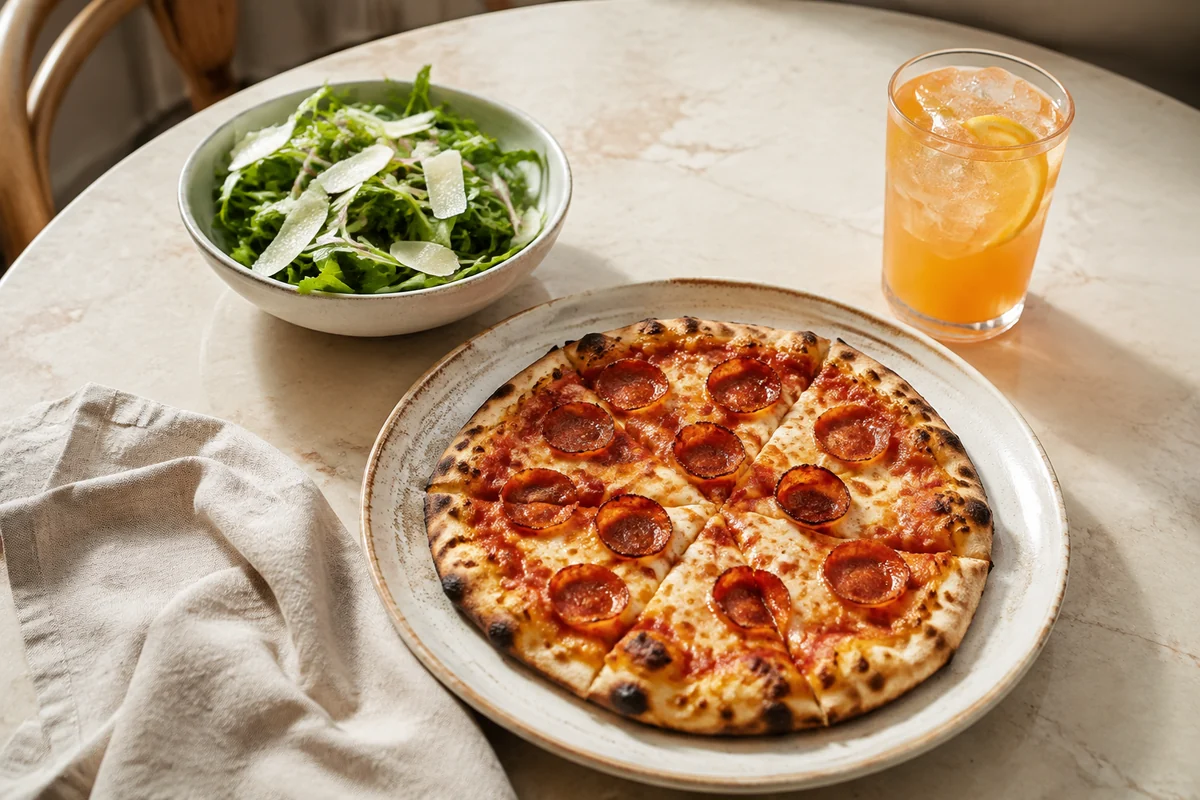
Put your next special on the menu.
Show the offer beautifully, then make sure the right items, hours and orders qualify for it.
- Coupons or automatic offers
- Eligible items
- Offer hours and limits
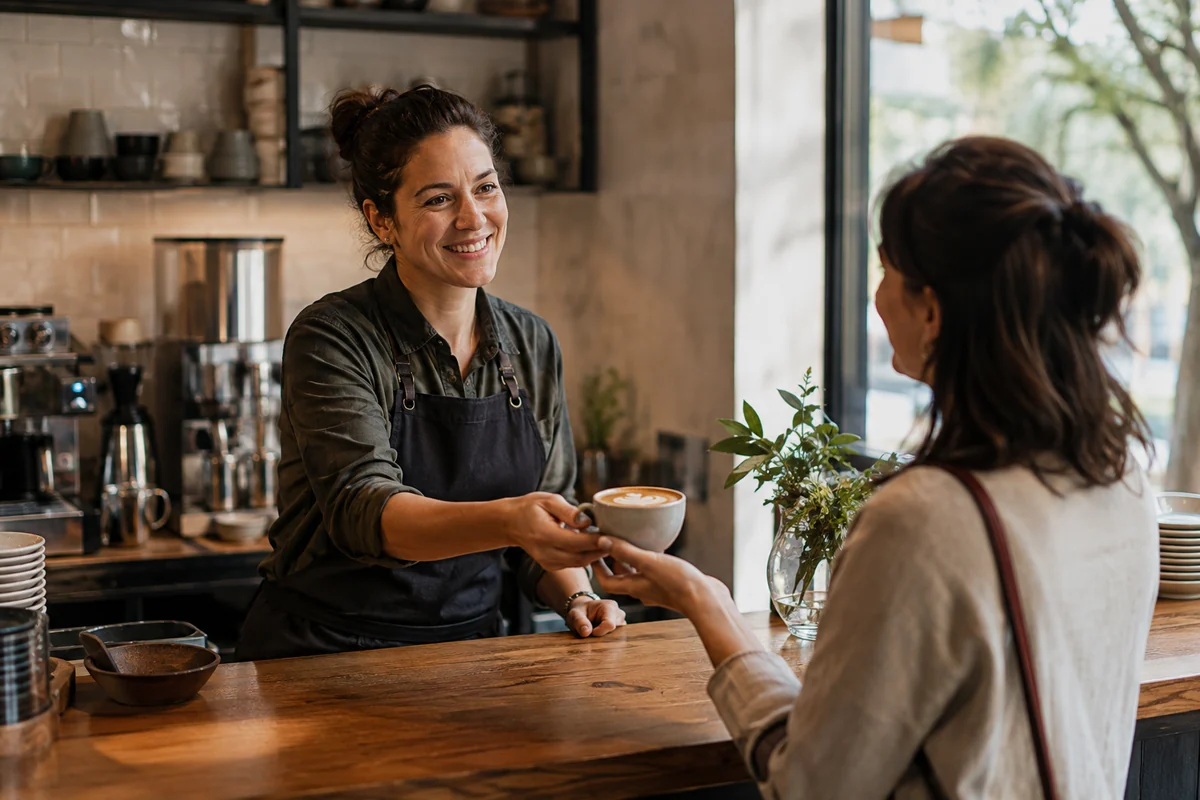
Give regulars something back.
Choose the reward structure that fits your restaurant and give guests a clear way to see their progress.
- Points per dollar
- Digital stamp cards
- Your choice of reward
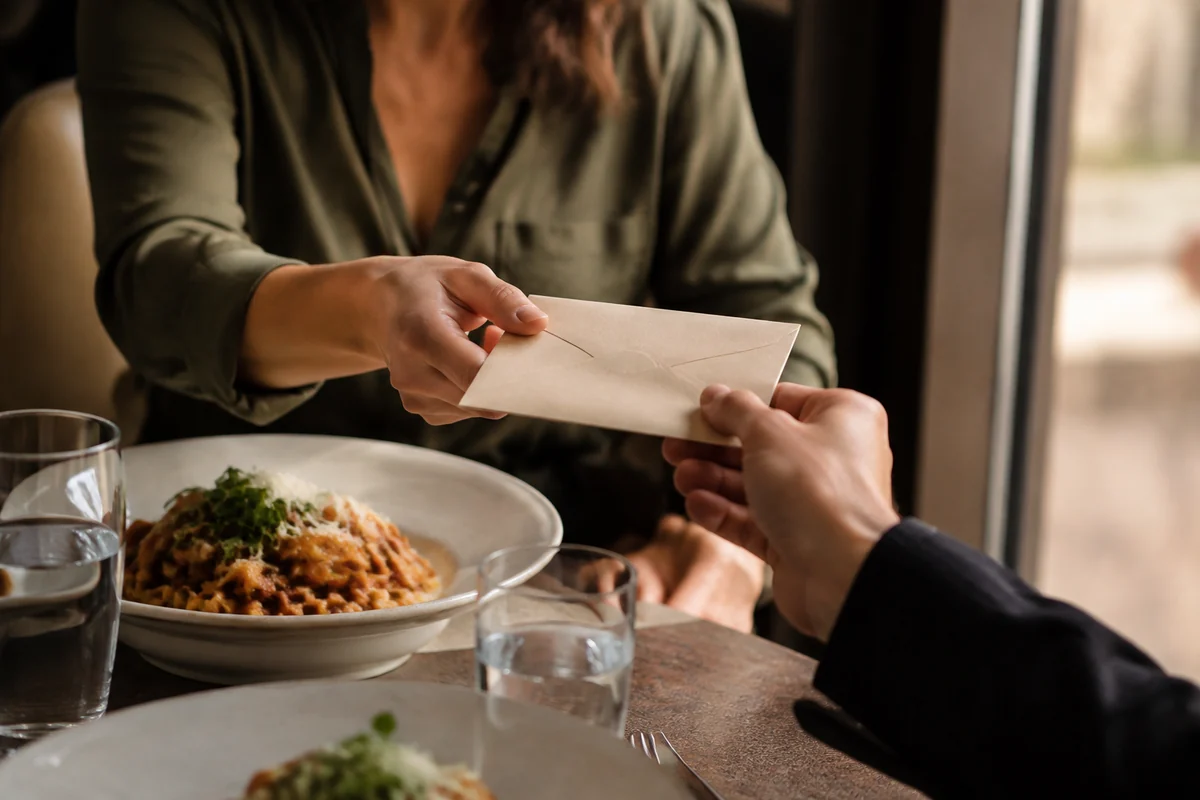
A good meal makes a good gift.
A reloadable restaurant wallet turns the promise of a future reward into credit a guest can use with you.
- Restaurant gift cards
- First-load bonuses
- Wallet cashback
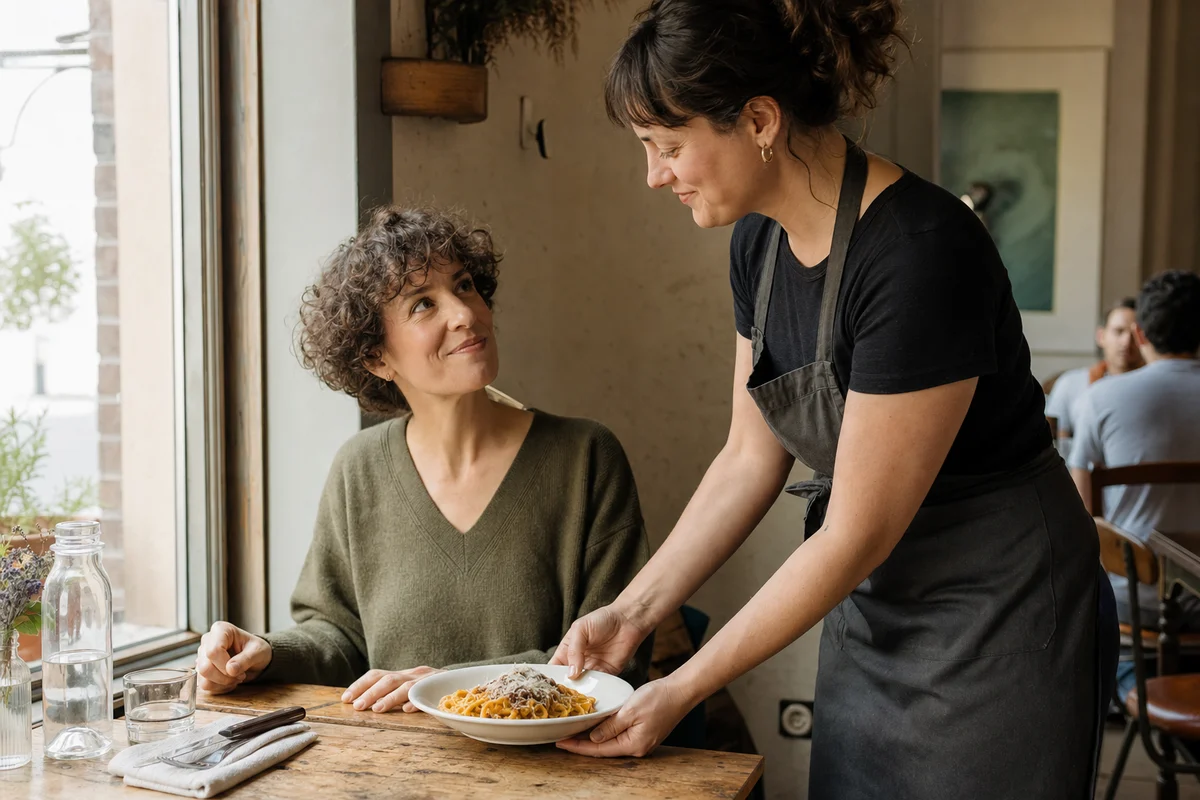
Their usual, saved for next time.
Guests can save a dish, or the exact way they order it, and find it again the next time they open your menu.
- Saved with the exact choices
- No account needed
- A favorites page on your menu
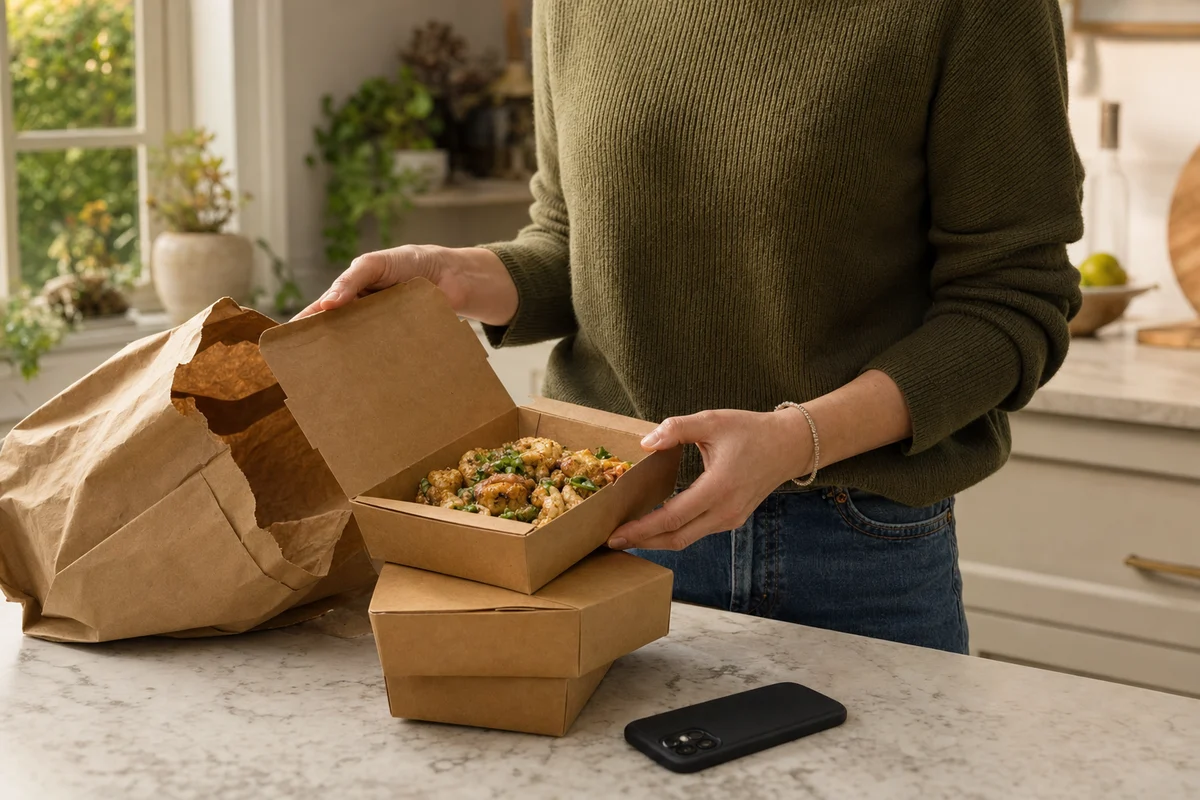
Last time’s order, again in a tap.
Signed-in guests see their recent orders on your ordering page and can bring a whole order back into the cart, choices included.
- Recent orders for signed-in guests
- Choices and notes carried over
- Today’s menu prices
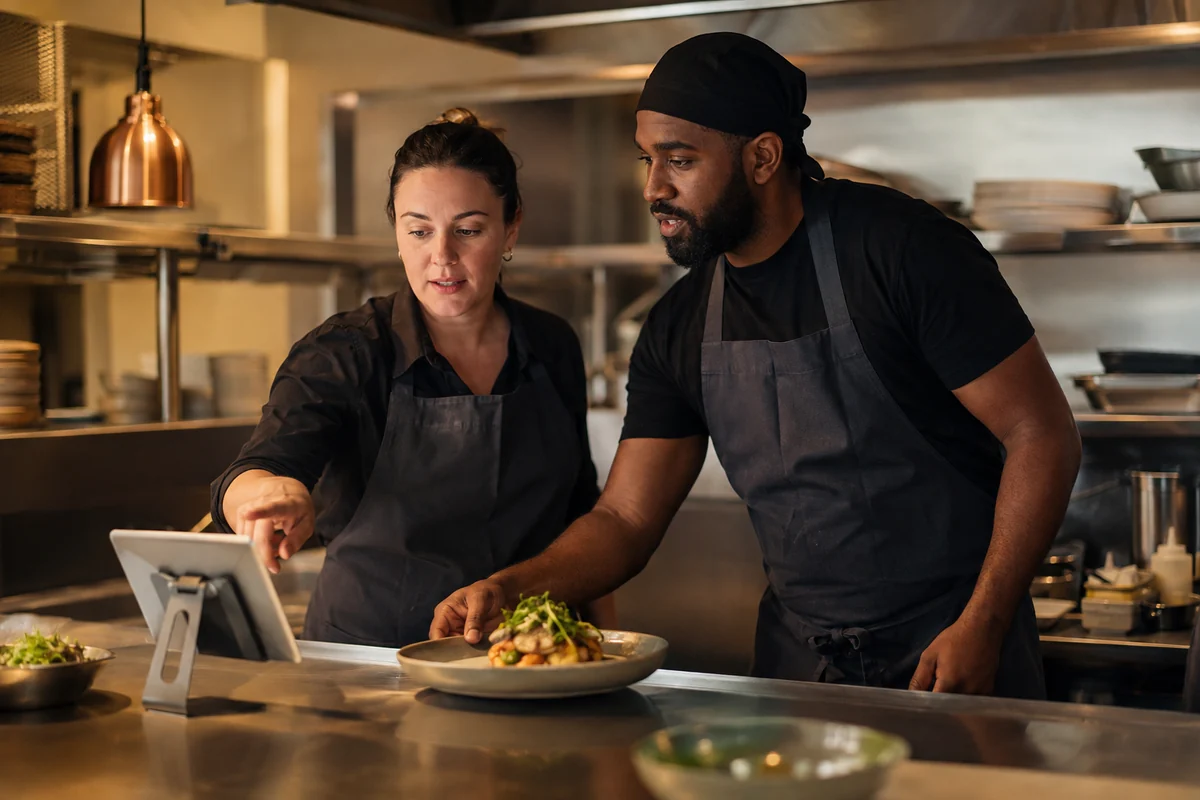
Keep your team in the loop.
Give people their own access and send new-order alerts to the team that needs to act on them.
- Individual logins
- Staff permissions
- Order notifications
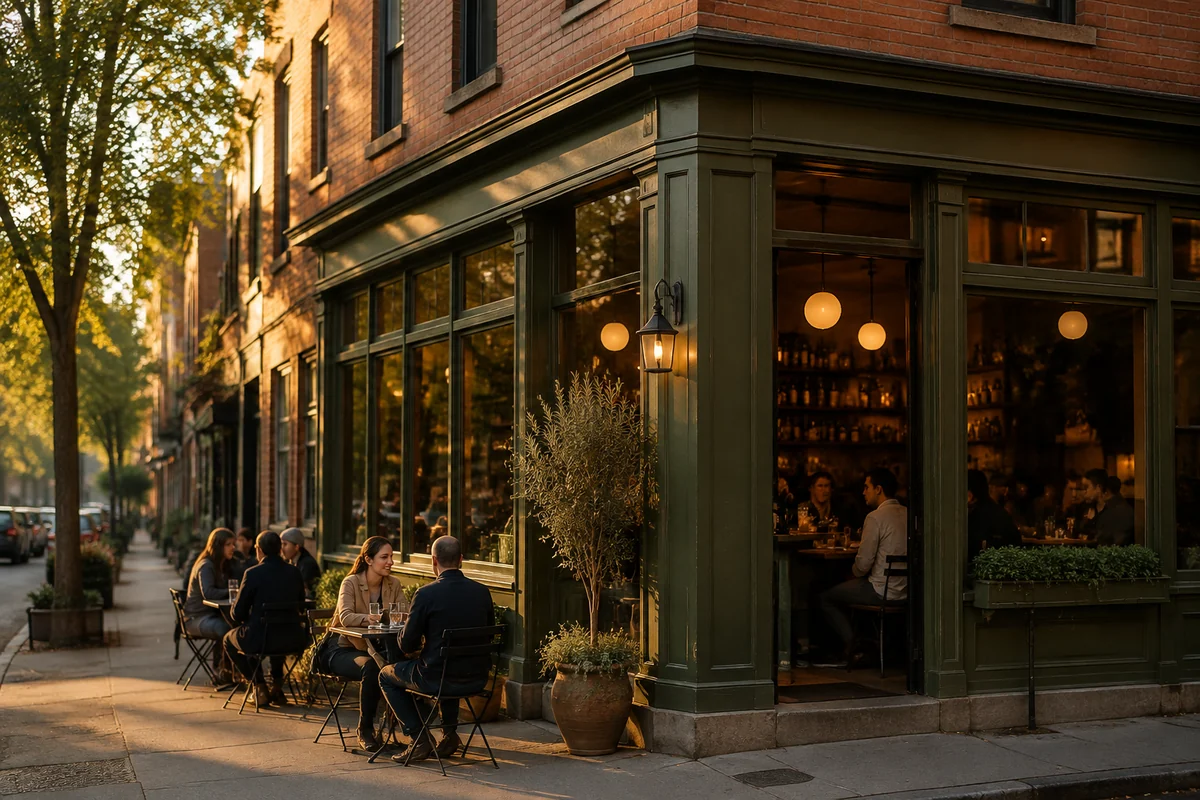
Help nearby guests find you.
Keep the places you serve and the food you make connected to your restaurant’s direct ordering presence.
- Neighborhoods you serve
- Cuisine and menu tags
- A direct path to order
Your restaurant.
Wherever you are.
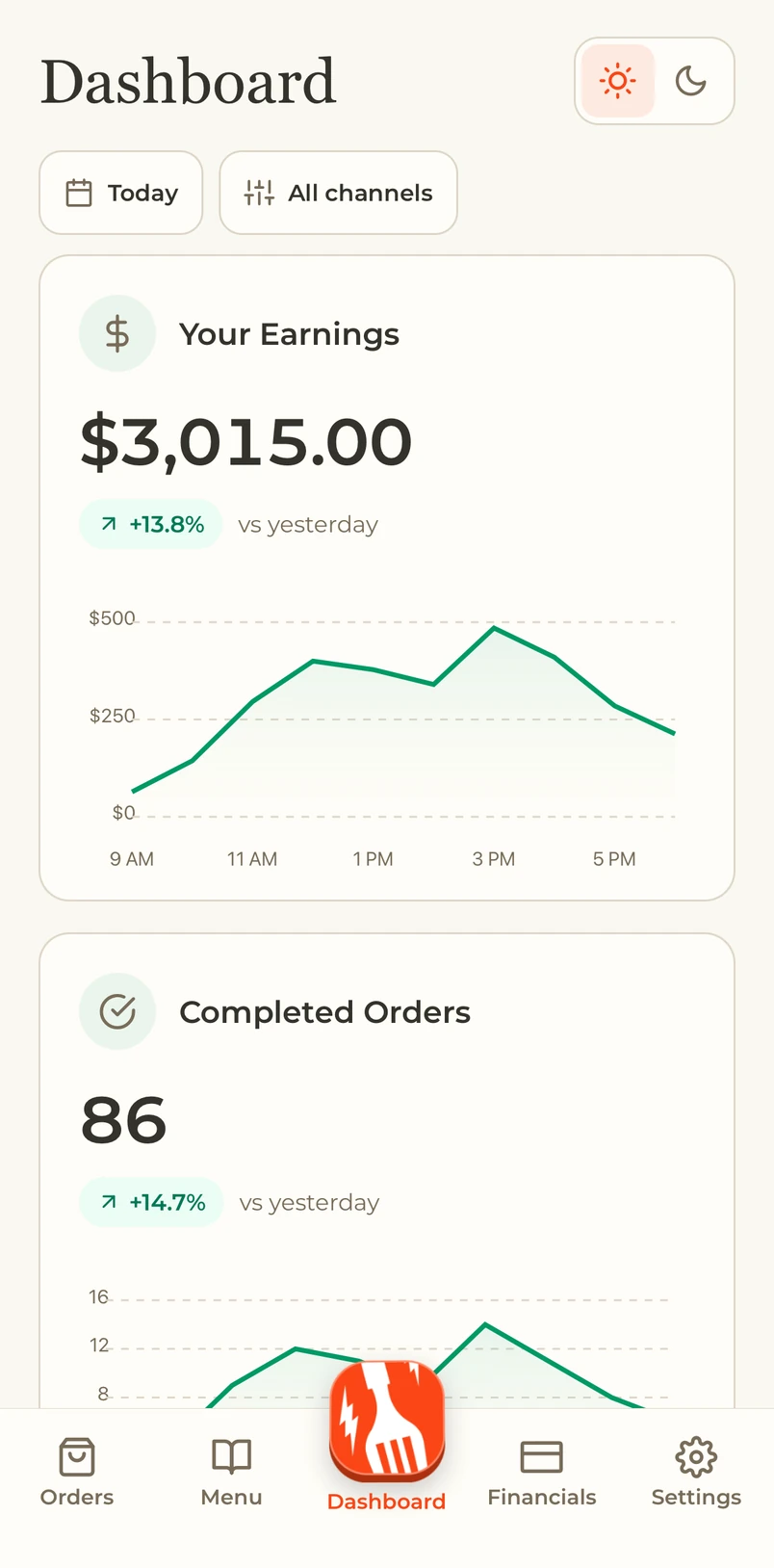
Check the day, manage orders and keep your team moving with My Dinevate on your iPhone or iPad.
Know how today is going
Live sales, trends and your top sellers.
Keep orders moving
Pickup and delivery, together in one place.
Make changes on the go
Menus, hours and ordering controls in your pocket.

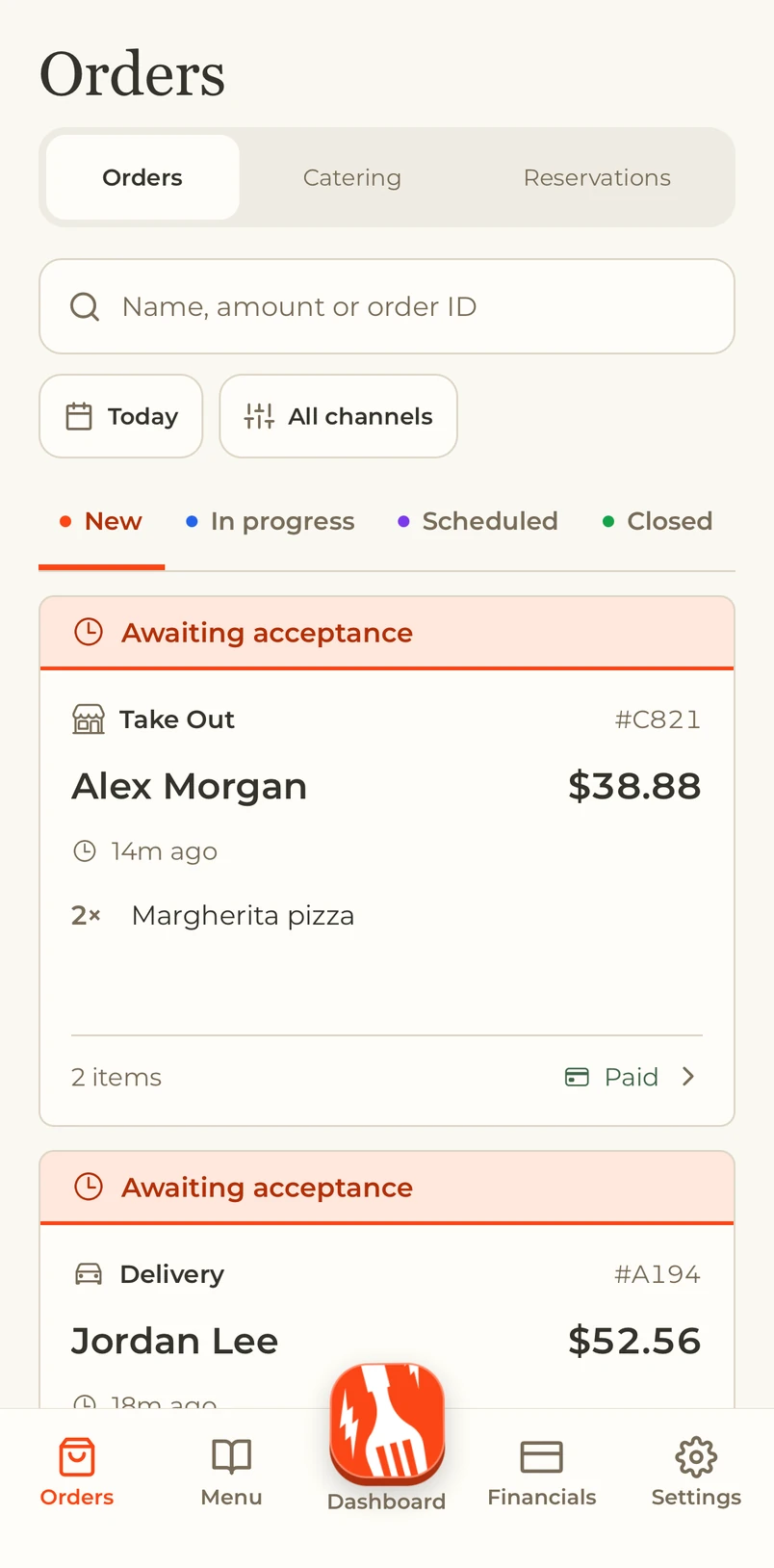

Your regulars.
One tap away.
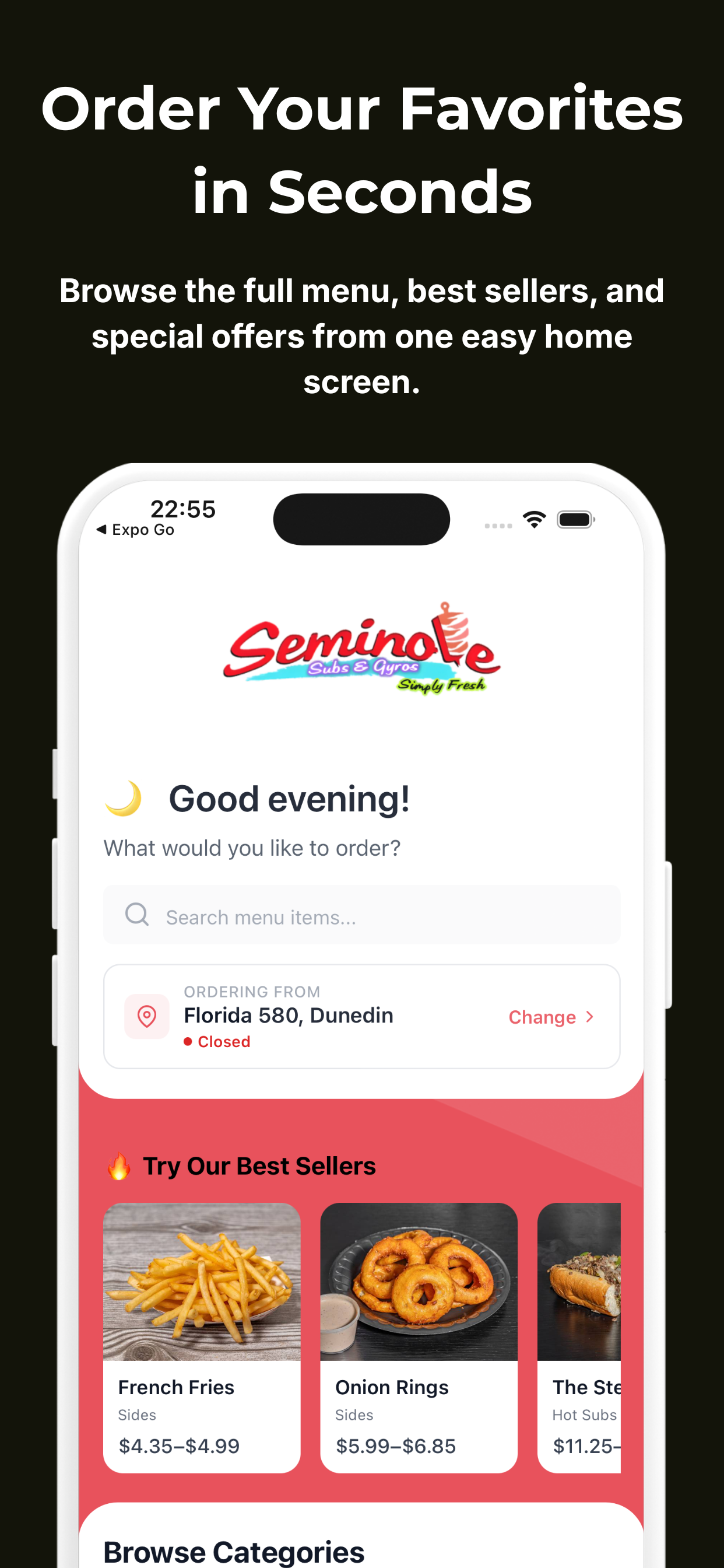
Give your restaurant its own app. Guests browse the menu, customize an order and come back to their favorites, with your name on the screen.
Order it their way
Sizes, toppings and choices before checkout.
Come back to a favorite
Order history and quick reordering.
Keep rewards close
Built-in loyalty with points and credits.

The call is only
the beginning.
Book a table. Plan a catered event. Suggest an extra. Send a delivery on its way. Dinevate Voice connects the conversation to your restaurant, including the calls that come after an order is placed.
- Guest
“I just placed an order. Can I remove the wings?”
- Voice
“I found your order, and it can still be changed. Remove the wings and keep everything else, right?”
- Guest
“Yes, please. Everything else stays the same.”
- Voice
“Done. The wings are removed, and the difference is being refunded to your original payment method.”
Example of an eligible placed phone order. The change and its payment adjustment stay connected.
01
Book the table
Check availability, book a reservation and update an existing booking against your restaurant’s party-size and scheduling rules.
02
Start the catering plan
Capture the event date, guest count and catering needs in your restaurant’s workflow, with estimates and deposit invoices when configured.
03
Suggest the right extra
Offer a relevant addition using your menu and order history. You control whether upselling is enabled, and can review accepted suggestions.
04
Get delivery moving
A paid Voice delivery order can trigger driver dispatch through your configured delivery service. The call connects to the work of getting the meal there.
05
Answer “Where is my food?”
Look up the placed order and share its current preparation or delivery status, including driver status and an arrival estimate when available.
06
Keep loyalty in the order
Guests can earn and redeem eligible loyalty points through Voice checkout. The phone order belongs to the same restaurant relationship.
07
Make saved cards useful
Returning guests can use their saved cards in secure checkout. Voice connects the caller, their customer details and the payment step.
08
Edit an order already placed
Find an eligible placed phone order, update its items and choices, and handle the price difference through payment or a refund.
09
Cancel an eligible order
Check whether a placed phone order can still be canceled, apply the cancellation and handle the related refund. Your order-change rules stay in control.
Voice has separate pricing. Available capabilities depend on your menu, restaurant settings and enabled services.
Explore Dinevate VoiceSpeak their language.
Keep the order moving.
Welcome guests in 16 languages on the same phone line. Voice follows the conversation when they switch languages, from the first question to the final order.
Your menu. Their words.
Menu choices, order changes and checkout stay connected to the same restaurant, whichever language your guest uses.
Available now
Automatic language switchingHello.
English
Hola.
Spanish
14 more languages
Available nowOrder naturally in your preferred language. Voice listens, replies and keeps your menu choices together.
Arabic
العربية
Bengali
বাংলা
Chinese
中文
French
Français
German
Deutsch
Hindi
हिन्दी
Indonesian
Bahasa Indonesia
Italian
Italiano
Japanese
日本語
Korean
한국어
Portuguese
Português
Russian
Русский
Turkish
Türkçe
Vietnamese
Tiếng Việt
Regional options include Arabic, Brazilian and European Portuguese, and Mexican and European Spanish. Ask us about the languages your guests speak.
And there’s more.
The tools behind the orders, the service and the next visit. Choose what fits the way your restaurant works.
Platform
Order Manager
Website, app and phone orders together on your kitchen tablet.
Platform
Menu management
Prices, sizes, required choices and availability in one place.
Platform
Email marketing
Reach opted-in guests with news, offers and reasons to return.
Usage-based service
Delivery
Manage your own drivers or explore Dinevate’s delivery service.
Optional add-on
Catering Pro
Keep inquiries, event details and catering follow-up together.
Optional add-on
Google Review Manager
Prepare restaurant content and manage publishing from one place.
Let’s talk about your restaurant.
See the website, ordering and loyalty in a personal walkthrough. We’ll explain setup and ongoing pricing before you decide.
Request a demoThree standard plans. Custom pricing for custom needs. Plus $499 one-time onboarding on every plan.